
How To Install Security Cameras Outside in 2026
Outdoor security cameras have become one of the most effective ways to protect homes, businesses, and properties. In 2026, modern surveillance systems offer advanced features such as AI detection, high-resolution video, smart alerts, and remote monitoring.
This guide explains how to install outdoor security cameras correctly in 2026, including the best placement strategies, technology options, and professional tips to help you build a reliable surveillance system.
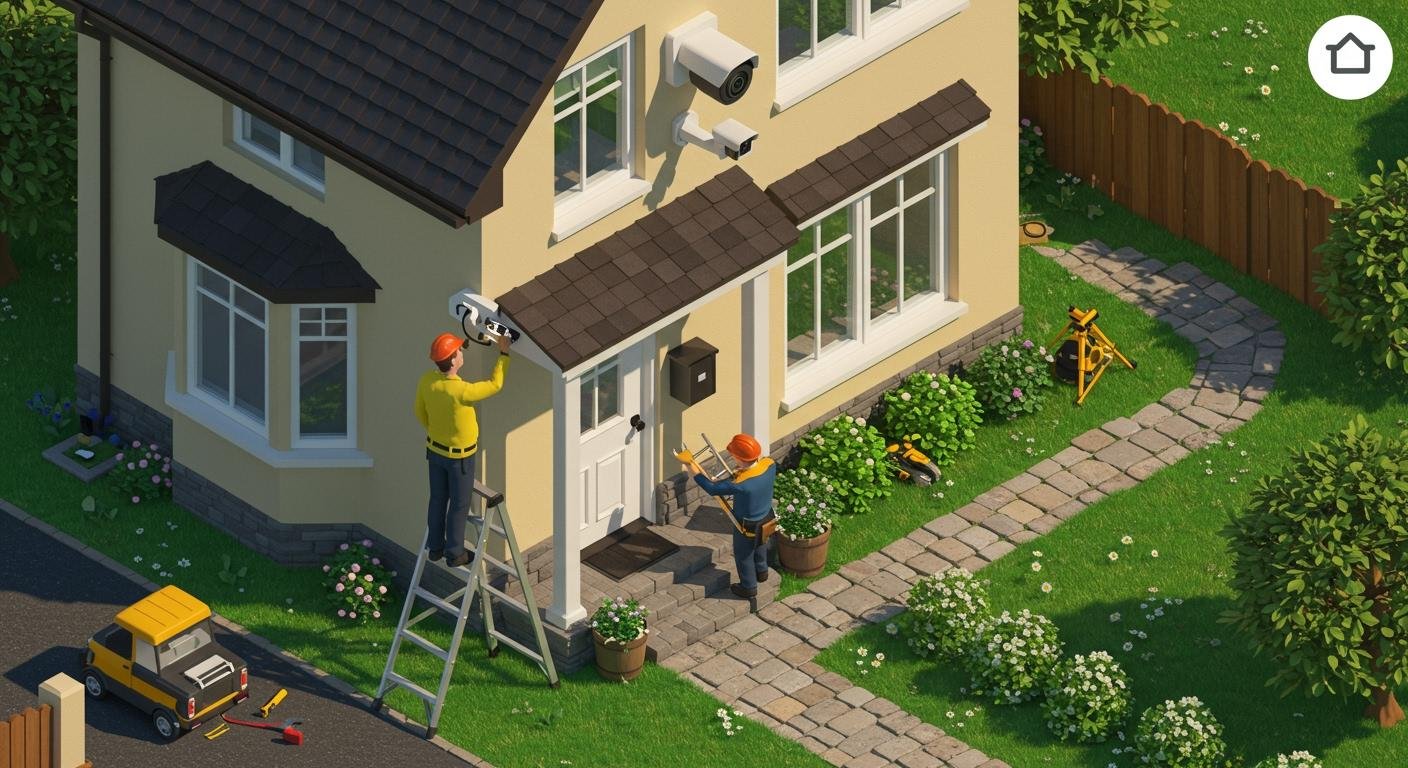
Why Outdoor Security Cameras Are Essential in 2026
Security threats continue to evolve, and both homeowners and businesses require stronger protection. Outdoor cameras provide a first line of defense by monitoring entrances, parking areas, and property boundaries.
Benefits of installing outdoor security cameras include:
Crime deterrence and theft prevention
Real-time monitoring of property
Evidence collection in case of incidents
Remote viewing through smartphones or computers
Employee and visitor safety for businesses
Insurance and liability protection
Step-by-Step Guide to Installing Outdoor Security Cameras
1. Plan Your Camera Locations Carefully
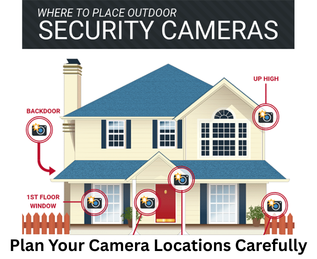
Before installing any cameras, you should evaluate the layout of your property and identify key areas that need surveillance.
Common outdoor camera locations include:
Front door and main entrances
Driveways and parking areas
Backyards or rear entrances
Garages and side doors
Property gates or fences
Loading docks or delivery areas for businesses
2. Choose the Right Outdoor Security Cameras
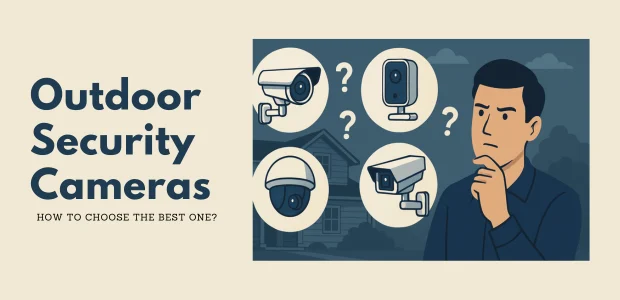
In 2026, outdoor cameras are available in several different types. Selecting the right one depends on your security needs.
Bullet Cameras
Bullet cameras are long and cylindrical and are commonly used outdoors.
Best for:
Long-distance monitoring
Parking lots
Driveways
Building perimeters
Advantages:
Strong night vision
Visible deterrent to criminals
Weather-resistant design
Dome Cameras
Dome cameras are compact and harder to tamper with.
Best for:
Entry points
Porches
Small business storefronts
Advantages:
Discreet appearance
Vandal-resistant
Wide viewing angles
PTZ Cameras (Pan-Tilt-Zoom)
PTZ cameras allow users to control the camera remotely.
Best for:
Large commercial properties
Warehouses
Parking areas
Public spaces
Advantages:
Remote control movement
Optical zoom
Wide area coverage
AI Smart Cameras
Modern security cameras in 2026 often include artificial intelligence features, such as:
Human detection
Vehicle detection
License plate recognition
Intrusion detection
Smart alerts
3. Select Wired or Wireless Cameras
When installing outdoor cameras, you must decide between wired systems and wireless systems.
Wired Cameras
Wired cameras connect to a recorder using Ethernet cables.
Advantages:
More reliable connection
Better video quality
No Wi-Fi interference
Suitable for large properties
Wireless Cameras
Wireless cameras connect to your network through Wi-Fi.
Advantages:
Easier installation
Flexible placement
Suitable for small homes

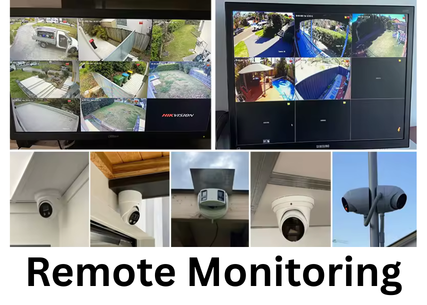
professional installation offers several advantages.
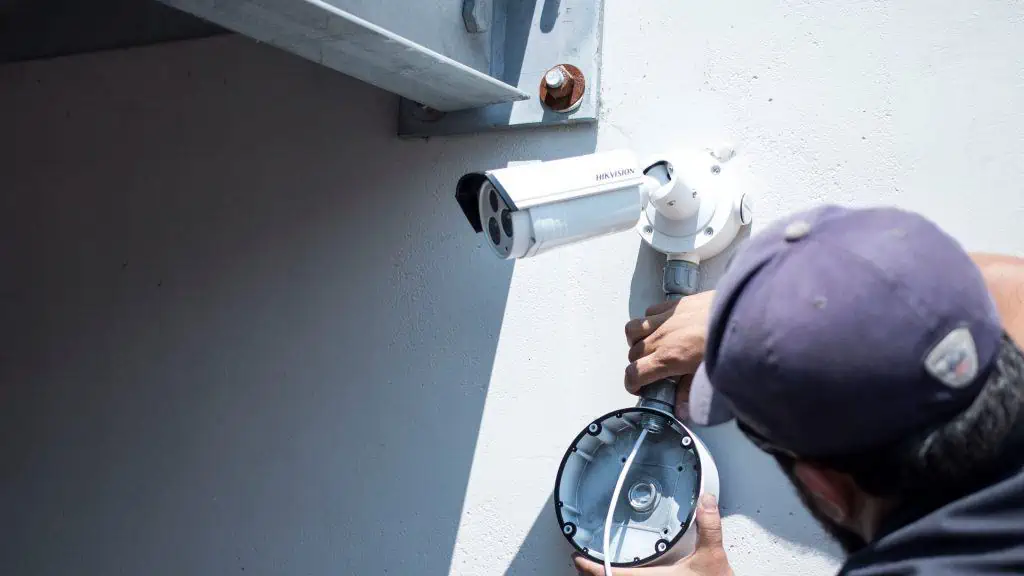
Professional security installers can:
Design a complete surveillance plan
Identify blind spots
Install proper cabling and equipment
Configure secure networks
Optimize video quality and storage