
3603 Avenue S, Brooklyn, NY 11234Sat–Thu 11AM–8PM · Fri 4PM–8PM
Thousands of customers served globally | 100% positive feedbackread our reviews | ★★★★★ 5 stars on Google & Yelp

25 Reasons & Benefits Your Business Needs Video Surveillance Security Cameras

Facebook
Twitter
LinkedIn

Table of Contents

25 Reasons and Benefits of Video Surveillance Security Cameras

In today’s business environment, security is no longer just about locks and alarms. Theft, vandalism, internal loss, safety incidents, and false liability claims cost businesses billions every year. One of the most effective tools for preventing these losses—and protecting your operations—is video surveillance security cameras.
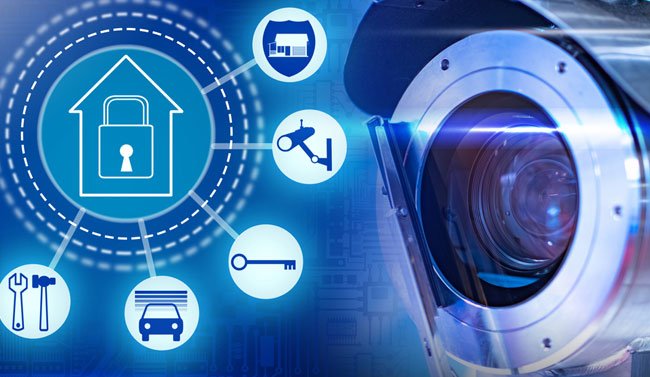
video-surveillance

Below are 25 Reasons & Benefits of Video Surveillance Security Cameras explaining why video surveillance security cameras are a smart and necessary investment for your business.

1. Crime Deterrence

Visible security cameras discourage criminal behavior. When potential thieves or vandals see cameras, they are far less likely to target your business.

2. Theft Prevention (Internal & External)

Surveillance cameras help prevent:

  • Shoplifting

  • Employee theft

  • Inventory shrinkage

  • Unauthorized access

3. Real-Time Monitoring of Business Operations

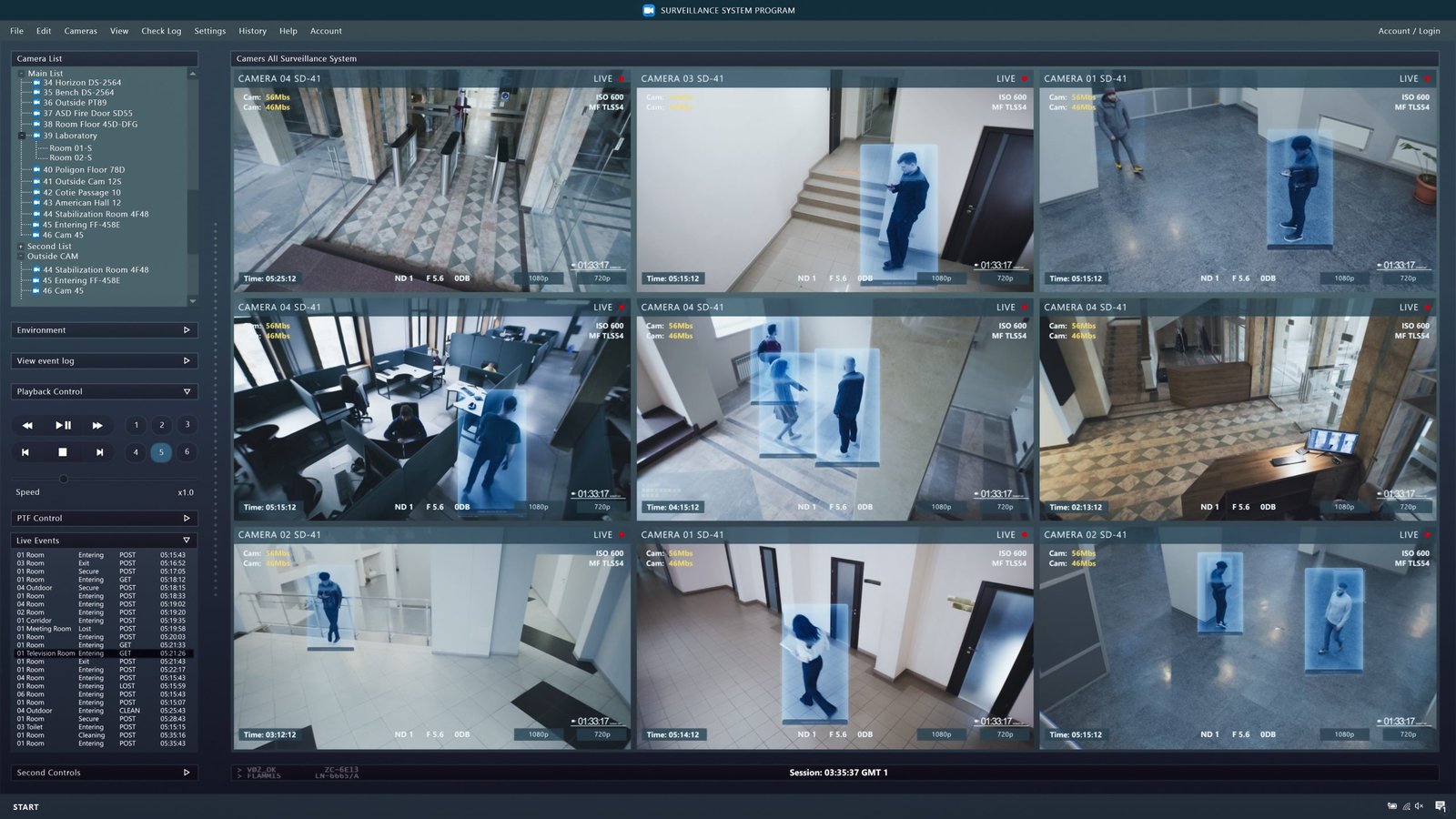
Modern camera systems allow business owners and managers to view live footage from anywhere. This enables oversight even when you’re not physically on site.
benefit of cctv camera

4. Evidence for Criminal Investigations

If an incident occurs, recorded footage provides clear evidence for:

  • Law enforcement

  • Insurance claims

  • Legal proceedings

5. Employee Safety Protection

Cameras help protect employees from:

  • Workplace violence

  • Harassment

  • Accidents

  • Unauthorized individuals

6. Customer Safety and Liability Protection

Video surveillance helps document incidents such as:

  • Slip-and-fall claims

  • Property damage

  • Accidental injuries

7. Reduced Insurance Costs

Many insurance providers offer lower premiums for businesses with professional surveillance systems because they reduce risk.

8. Improved Employee Productivity

Employees are more likely to follow company policies and remain focused when they know accountability systems are in place.

9. Dispute Resolution

Cameras provide unbiased documentation to resolve:

  • Employee disputes

  • Customer complaints

  • Vendor disagreements

10. Remote Business Management

With remote access, business owners can:

  • Check opening and closing procedures

  • Monitor multiple locations

  • Verify staff attendance

surveillance-camera-views

11. Protection After Business Hours

Security cameras continue protecting your business 24/7, even when staff is not present.

12. Reduced Vandalism

Cameras significantly reduce vandalism, graffiti, and property damage—especially in parking lots and exterior areas.

13. Improved Incident Response Time

Real-time alerts and monitoring allow faster responses to:

  • Break-ins

  • Emergencies

  • Safety incidents

14. Operational Efficiency Insights

Video surveillance helps business owners:

  • Identify workflow bottlenecks

  • Improve store layout

  • Optimize staff placement

15. Monitoring High-Risk Areas

Cameras provide focused monitoring for:

  • Cash registers

  • Storage rooms

  • Loading docks

  • Restricted areas

16. Better Compliance with Policies and Regulations

Surveillance helps ensure compliance with:

  • Safety regulations

  • Industry standards

  • Company procedures

17. False Claim Protection

Video footage protects businesses from fraudulent:

  • Injury claims

  • Theft allegations

  • Employee misconduct accusations

18. Scalable Security as Your Business Grows

Modern surveillance systems are easily expandable. You can add:

19. Enhanced Parking Lot Security

Parking lots are common locations for:

  • Vehicle theft

  • Break-ins

  • Assaults

20. Improved Customer Trust

Customers feel safer in monitored environments. A secure business builds confidence and encourages repeat visits.

21. Reduced Employee Turnover

A safer, well-managed workplace contributes to better morale and employee retention.

22. Night Vision and Low-Light Protection

Modern cameras provide:

  • Infrared night vision

  • Low-light color recording

23. Integration with Other Security Systems

Video surveillance can integrate with:

  • Access control systems

  • Alarm systems

  • Intercoms

24. Documentation for Training and Improvement

Footage can be used to:

  • Train staff

  • Improve safety procedures

  • Analyze incidents

Helping businesses improve over time.

25. Peace of Mind for Business Owners

Above all, surveillance cameras provide peace of mind—knowing your business, employees, and assets are protected around the clock.

Why Businesses Choose Secure IT Global

At Secure IT Global, we specialize in professional video surveillance solutions designed for businesses of all sizes.

We provide:

  • Expert system design

  • Reliable camera installation

  • Secure remote access

  • Ongoing support and optimization

Video surveillance security cameras are no longer a luxury—they are a business necessity.

Contact with us today for a customized video surveillance solution to protect your business now and in the future.

Secure IT Global LLC
New York, NY
(888) 902 2303
customerservice@secureitglobal.com

Remote IT Setup & Troubleshooting

Many small businesses, Remote IT Setup & Troubleshooting has become an important part of daily operations. Whether employees work from the office, home, or multiple locations, businesses need reliable systems that can be supported quickly and securely.

Secure IT Global provides IT support, computer repair, CCTV solutions, website support and business technology services for customers in Brooklyn, NY. Located at 3603 Avenue S, Brooklyn, NY 11234, Secure IT Global helps local small businesses set up, troubleshoot and manage technology more effectively.

Remote IT Setup & Troubleshooting

What Is Remote IT Setup & Troubleshooting?

Remote IT support means a technician diagnoses and fixes computer, network, or software issues from a different location — connecting to your device securely over the internet instead of visiting in person.

This covers a wide range of services, including:

  • Device and software setup — new computers, printers, email accounts, and business applications
  • Network configuration — Wi-Fi, routers, VPNs, and secure business connections
  • Troubleshooting errors — slow performance, crashes, connectivity issues, software conflicts
  • Security fixes — malware removal, firewall setup, and patching vulnerabilities
  • Cloud and software support — Microsoft 365, Google Workspace, POS systems, and more

How Remote IT Support Works: Step by Step?

  1. You submit a support request— by phone, email, or a support ticket describing the issue.

  2. A technician connects securely — using encrypted remote-access software, with your permission required before any connection is made.
  3. Diagnosis and troubleshooting — the technician identifies the root cause, not just the symptom.
  4. The fix is applied remotely — most issues (software errors, settings, network configuration, security patches) can be resolved without anyone stepping into your office.
  5. Follow-up and documentation — you receive a summary of what was fixed and recommendations to prevent it from happening again.

Benefits of Remote IT Setup & Troubleshooting

1. Faster Response Times

No waiting for a technician to drive to your location. Many issues can be resolved the same hour they're reported.

2. Lower Cost

Remote support eliminates travel time and on-site labor costs, which typically means lower rates passed on to you.

3. Minimal Business Disruption

Your team can often keep working while smaller issues are resolved in the background.

4. Support From Anywhere

Whether you have one office or multiple locations — even remote or hybrid employees — remote IT support can help everyone, regardless of where they're working from.

5. Faster Access to Specialists

Instead of being limited to whoever is available locally, remote support can connect you with the right specialist for your specific issue.

When Remote Support Isn't Enough?

Remote IT Setup & Troubleshooting services solve the vast majority of small business tech issues, but a few situations still require someone on-site, such as:

  • Physical hardware failures (replacing parts, cabling, hardware installs)
  • Complete network outages where there's no internet connection to remote into
  • New office builds requiring physical wiring or equipment setup

Is Remote IT Support Secure?

This is one of the most common concerns small business owners have, and it's a fair one. Reputable Remote IT Setup & Troubleshooting providers use:

  • Encrypted connections so data can't be intercepted during a session
  • Permission-based access — nothing happens without you approving the connection
  • Session logging so there's a clear record of what was done
  • Strict data handling policies to protect sensitive business and customer information

How Secure IT Global Delivers Remote IT Setup & Troubleshooting?

Secure IT Global combines the responsiveness small businesses need with the trust and accountability of working with a local company.

✅ Fast, Reliable Remote Support

Our team resolves most software, network, and setup issues remotely — often the same day you reach out — so your business gets back to normal fast.

✅ Affordable Pricing Through Our Hybrid Model

By combining local project management with a skilled hybrid team, we keep remote support pricing accessible for small businesses without cutting corners on quality.

✅ Secure by Design

Every remote session is encrypted, permission-based, and documented, so you always know what was done and why.

✅ More Than Just Troubleshooting

Remote support is just one part of what we offer. Secure IT Global also provides:

  • E-Commerce Solutions — custom, secure online stores
  • Website Development — professional, mobile-friendly websites
  • Local Business Search Optimization — helping local customers find you online
  • Ongoing IT Support — remote and on-site help when you need it


Contact Secure IT Global today to get your IT issues resolved quickly, without the wait or the high cost of traditional on-site service.

We help small businesses with IT support, computer repair, website support, CCTV systems, surveillance products, and business technology needs.

Our local business is located at:

Secure IT Global
3603 Avenue S
Brooklyn, NY 11234
Website: secureitglobal.com

Secure IT Global Can Help

We can help with:


What is remote IT setup?

Remote IT setup means configuring business technology so users can work, access files, use email, connect to systems, and receive support without always needing an in-person technician.

Yes. Small businesses can use remote IT support for email issues, software troubleshooting, cloud access, remote desktop setup, password help, device configuration, and many common computer problems.

Many issues can be reviewed remotely, including software errors, email problems, cloud access, remote login problems, security settings, slow computer checks, printer settings, and user account issues.

Remote IT support can be safe when handled by a trusted provider using secure tools and proper permission. Businesses should never allow unknown callers or unverified people to access their computers.

Yes. Secure IT Global provides IT support, computer repair, troubleshooting, and business technology help for customers in Brooklyn, NY.

Secure IT Global is located at 3603 Avenue S, Brooklyn, NY 11234 and serves Brooklyn customers. Some technology issues may be handled remotely, while others may require local hands-on support.

Shopping cart
WhatsApp WhatsApp
Start typing to see posts you are looking for.
0 items Cart
My account