
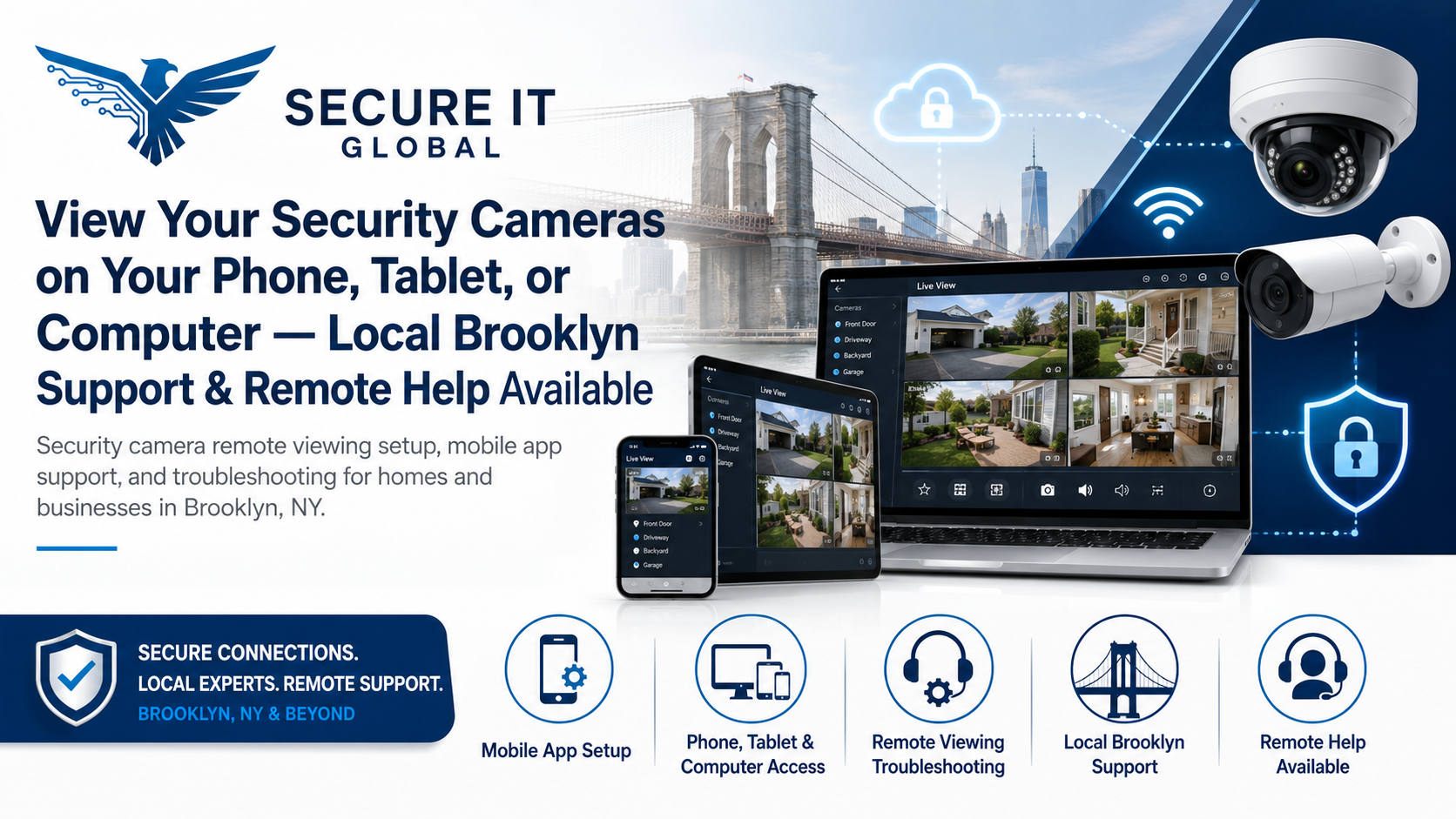
Security Camera Remote Viewing Troubleshooting & Support
Do you have security cameras but cannot view them on your phone? Did your camera app stop working after changing your router, internet provider, phone, password, or DVR/NVR settings?
Secure IT Global provides security camera remote viewing troubleshooting and repair for homes and businesses in Brooklyn, with remote support available for many customers outside the local area — for cameras that were already set up and stopped working.
We help customers reconnect to their DVR, NVR, IP cameras, and security camera apps so they can view live cameras, check playback, manage users, and restore remote access when possible.
Whether your cameras are for a store, office, home, warehouse, restaurant, medical office, house of worship, or small business, we can help troubleshoot remote viewing problems and guide you toward the right solution.
Remote support starts at $55 per 30 minutes. More complex issues may require additional time, network troubleshooting, or an on-site visit.
Setting up remote viewing on a brand-new or recently installed camera system instead? See our remote viewing setup page.
Common Security Camera Remote Viewing Problems We Help With
Security camera systems often work fine for months or years, then suddenly stop showing on the phone app. In many cases, the cameras are still working locally, but remote access is broken.
We help troubleshoot issues such as:
Cannot view security cameras on phone
Camera app stopped working
DVR or NVR remote viewing not working
Cameras work in the store but not remotely
Security camera app not connecting
QR code or P2P setup not working
New phone needs camera app setup
Internet provider changed router or modem
Router was replaced and cameras stopped working
Forgotten app login or user account issue
Owner needs to add or remove camera users
Playback is not working in the app
Cameras show offline in the mobile app
Remote viewing works on WiFi but not cellular data
NVR/DVR network settings changed
Port forwarding or remote access issue
IP address conflict or network issue
Camera system needs basic app reconfiguration
Local Brooklyn Support and Remote Help Available
One of the biggest advantages of this service is that many Security Camera Remote Viewing Setup Brooklyn Problem can be checked remotely.
If you are outside Brooklyn, remote support may still be available depending on the camera system, app, network access, and authorization.
We support:
Brooklyn homes
Retail stores
Restaurants and cafes
Offices
Medical and dental offices
Warehouses
Houses of worship
Small businesses
Remote clients nationwide when possible
For local Brooklyn customers, an on-site visit may be recommended if the issue involves wiring, router placement, failed equipment, PoE switch problems, internet service problems, or physical access to the DVR/NVR.
When Remote Viewing Stops Working
Router or Internet Provider Changed
If your internet provider replaced your router or modem, your DVR/NVR may lose its previous network settings. Port forwarding, P2P access, IP addresses, or firewall settings may need to be reviewed.
New Phone or App Reinstall
If you got a new phone, deleted the app, changed your Apple ID or Google account, or forgot the app login, your camera system may need to be added again.
DVR/NVR Network Settings Changed
A DVR or NVR may have changed IP address, gateway, DNS, or network mode. This can break remote access even if cameras still show on the monitor.
Password or User Account Problem
Sometimes the system is working, but the app login, device verification, or user permissions are the issue.
P2P or Cloud Connection Problem
Many newer systems use P2P or cloud-based connection methods. If the device is offline, not verified, blocked, or not properly connected to the network, the app may not work.
Network, Router & Internet Provider Problems
Poor internet, unstable WiFi, bad cables, failed switches, IP conflicts, or router problems can affect camera access. Businesses with repeated network or camera connectivity issues may also benefit from monthly small business support plans.
Security Camera App Setup
We set up and troubleshoot many security camera mobile apps.
Support can include:
Adding DVR/NVR to the mobile app
Scanning QR codes when available
Setting up P2P/cloud access when supported
Adding camera system to a new phone
Checking live view
Checking playback access
Reviewing app permissions
Helping add authorized users
Removing old users when possible
Explaining basic app features
Reviewing notification or motion alert settings when available
If you just had new cameras, an NVR, or a DVR installed and need remote viewing set up for the first time, see our security camera remote viewing & app setup guide for new systems.
DVR/NVR Remote Viewing Setup
A DVR or NVR records and manages your camera system. If Security Camera Remote Viewing Setup is not set up correctly, you may only be able to see cameras locally on a monitor but not from your phone.
We review:
DVR/NVR network connection
IP address settings
Gateway and DNS settings
P2P/QR code status
App connection setup
Remote viewing status
Playback access
User account settings
Basic router/network issues
Port forwarding needs when applicable
Whether the system is online and reachable
Brands We Support
Secure IT Global helps with many common security camera systems, depending on model, access, and system condition.
Brands may include:
Hikvision
Dahua
Uniview
Hanwha Vision
Lorex
Swann
Night Owl
Reolink
Montavue
Amcrest
Zosi
Q-See systems where still supported
Other DVR, NVR, and IP camera systems
Some older systems may have limited support if the app, cloud service, firmware, or manufacturer platform is no longer available.
If your business needs NDAA-compliant equipment for regulatory, contract, or organizational requirements, ask us about upgrading to compliant camera systems.
Pricing for Remote Viewing Support
Remote camera app and DVR/NVR support starts at:
$55 per 30 minutes
Many basic app setup and remote viewing issues can be reviewed remotely.
More complex problems may require additional time, especially if the issue involves:
Router changes
Network troubleshooting
Port forwarding
Forgotten passwords
Old or unsupported systems
Multiple phones or users
Multiple locations
DVR/NVR settings
Internet provider equipment
Failed hardware
On-site service, equipment replacement, cabling, ladder work, and new camera installation are quoted separately.
Remote Support vs. On-Site Support
Some Security Camera Remote Viewing Setup issues can be solved remotely. Others require an on-site visit.
May Be Remote Support Enough If:
You have access to the DVR/NVR and app
The system is powered on and connected
You know the admin login or have owner access
You need help setting up the app on a phone
The issue is related to P2P, QR code, or app setup
You need help checking basic remote viewing settings
You can follow instructions during the remote session
On-Site Support May Be Needed If:
You do not know where the DVR/NVR is located
The recorder is offline or disconnected
Cameras are physically offline
The router, switch, or cabling needs inspection
PoE switch or network equipment may have failed
The internet provider equipment changed
Password recovery requires local access
The system is too old or unsupported
Physical troubleshooting is required
Already Have Cameras? This Service Is for You

This service is mainly for customers who already have a security camera system and need help viewing or managing it remotely.
If you need new cameras installed, wiring, camera mounting, NVR replacement, or a full system upgrade, Secure IT Global can also help through our security camera installation service.
Security Camera Remote Viewing Setup and camera installation are related, but they are not the same service.
Remote Viewing Setup Is Best For:
Existing cameras
App setup
Phone viewing problems
DVR/NVR remote access
Router or internet changes
Playback/app troubleshooting
User account help
Camera Installation Is Best For:
New camera systems
Camera mounting
Cabling
NVR/DVR installation
PoE switch setup
Camera replacement
System upgrades
New construction or full setup
Areas We Serve
Local support is available throughout Brooklyn, including:
Marine Park
Mill Basin
Bergen Beach
Sheepshead Bay
Flatbush
Midwood
Canarsie
Kings Plaza
Flatlands
Gravesend
Bensonhurst
Bay Ridge
Surrounding Brooklyn neighborhoods
Why Choose Secure IT Global?
Local Brooklyn Support
Secure IT Global is located at:
Secure IT Global
3603 Ave S
Brooklyn, NY 11234
Support line: 888-902-2303
Website: secureitglobal.com
We support homes and businesses throughout Brooklyn and nearby areas.
Remote Support Available
Many camera app and remote viewing issues can be reviewed remotely, which can save time and help customers outside Brooklyn as well.
CCTV, Network, and IT Experience
Remote camera viewing problems often involve more than just the camera app. The issue may involve the DVR/NVR, router, WiFi, switch, internet provider, IP settings, or user account.
Secure IT Global understands both camera systems and business technology, which helps us troubleshoot the full problem instead of only looking at one piece.
Support for Homes and Businesses
We help homeowners, small businesses, stores, offices, restaurants, medical offices, houses of worship, warehouses, and other properties with camera remote viewing setup and troubleshooting.
Proof of Ownership or Authorization May Be Required
For security reasons, we do not bypass passwords, hack systems, or access camera systems without permission.
Before assisting with a camera system, we may need proof that you are the owner, manager, authorized user, property representative, or approved technician for the location.
We cannot help access cameras without proper authorization.
This protects your privacy, your business, and your security system.
Frequently Asked Questions
Why can’t I view my security cameras on my phone?
Common reasons include router changes, internet provider changes, app login problems, DVR/NVR network settings, P2P/cloud connection issues, offline recorders, or phone app setup problems.
Can you set up my camera app on a new phone?
Yes. If you have authorization and the system supports mobile access, we can help add your DVR/NVR or camera system to a new phone.
My cameras work on the monitor but not on my phone. Can you help?
Yes. This usually means the local camera system is working, but remote viewing is not configured correctly or the DVR/NVR is not properly connecting to the internet.
I changed my router and now my cameras do not work remotely. What should I do?
Router changes can affect DVR/NVR network settings, P2P status, port forwarding, or IP addresses. We can help review the setup and recommend the next steps.
Can you help remotely?
Yes. Many camera app and remote viewing issues can be checked remotely if you have proper access, authorization, and the system is online.
Do you support Hikvision, Dahua, Uniview, Lorex, Reolink, and other brands?
We support many common DVR, NVR, and IP camera systems depending on the model, app, account access, and system condition.
Can you recover or bypass my camera password?
No. We do not bypass passwords or access systems without authorization. Password recovery depends on the brand, model, proof of ownership, and manufacturer process.
Do you install new cameras too?
Yes. Remote viewing setup is for existing camera systems. New camera installation, wiring, mounting, and full system setup are quoted separately.
How much does remote viewing setup cost?
Remote support starts at $55 per 30 minutes. More complex issues may require additional time or an on-site visit.