
3603 Avenue S, Brooklyn, NY 11234Sat–Thu 11AM–8PM · Fri 4PM–8PM
Thousands of customers served globally | 100% positive feedbackread our reviews | ★★★★★ 5 stars on Google & Yelp

How Artificial Intelligence Is Transforming Video Surveillance

Facebook
Twitter
LinkedIn

Table of Contents

How Artificial Intelligence Is Transforming Video Surveillance?
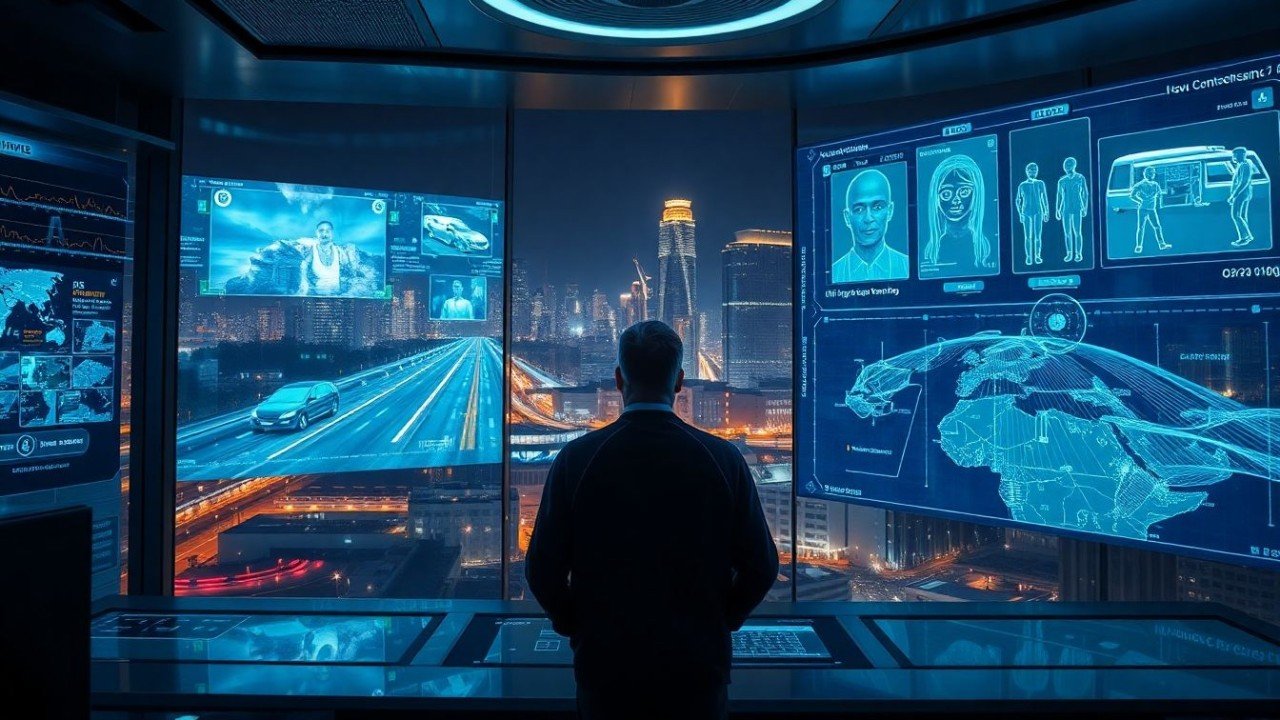
How Artificial Intelligence Is Transforming Video Surveillance

Artificial Intelligence is reshaping modern security. Traditional surveillance depends on human operators — who can only monitor a few cameras effectively before losing focus. AI-powered video analytics solves this problem by automatically analyzing video feeds, detecting threats in real time, and eliminating the guesswork in security operations.

Today’s advanced CCTV systems equipped with AI can:

✔ Detect human movement vs. shadows or animals
✔ Identify suspicious behavior before a crime happens
✔ Recognize vehicles, objects, and even license plates
✔ Alert security teams instantly with verified events

🧠 Why AI Is Needed in Modern Video Surveillance

Security operations now deal with:

  • Hundreds (or thousands) of cameras

  • Large facilities with movement everywhere

  • Cameras recording 24/7 — mostly uneventful footage

Human operators simply cannot monitor all of this effectively. Studies show attention drops dramatically within minutes, causing delayed responses and missed incidents.

AI eliminates these weaknesses by:

  • Watching every camera stream at once

  • Flagging only the important events

  • Removing “noise” like moving leaves, headlights, or shadows

  • Delivering actionable insights instead of endless video

🏆 The Evolution of Video Analytics

Technology StageWhat It DidWhy It Failed
➤ Motion DetectionAlerts on any movementToo many false alarms outdoors
➤ Rule-Based AnalyticsDetects objects in restricted zonesNot useful in busy environments
⭐ AI-Powered Analytics (Deep Learning)Understands human behavior and contextBest accuracy + real-time response

AI video analytics is trained on millions of images. It learns:

  • What a human looks like — even when running or crouching

  • Normal vs. unusual behavior

  • Environmental patterns unique to each property

🎯 Practical AI Use Cases in CCTV Systems

AI is changing what camera systems can do, not just what they record.

🔹 Real-Time Intrusion Detection (Low False Alarms)

Detects only people and vehicles where they shouldn’t be — day or night.
If a threat is verified, the system can trigger:

  • Automatic sirens

  • Strobe lights

  • Two-way audio talk-down:

    “Security has been notified — leave immediately!”

This proactive response stops crimes before they happen.

🔹 Behavioral Intelligence for Active Environments

Unlike rule-based systems, AI can analyze crowded places:

  • Hospitals

  • Universities

  • Stadiums

  • Retail stores

  • Manufacturing facilities

It identifies patterns such as:

  • Fighting or aggressive behavior

  • Someone slipping or falling (safety risk)

  • Car driving the wrong direction

  • A fire starting in a hallway

  • A person entering a dangerous restricted zone

Instead of only catching trespassers — it protects people everywhere.

🔹 Facial & License Plate Recognition (LPR/ANPR)
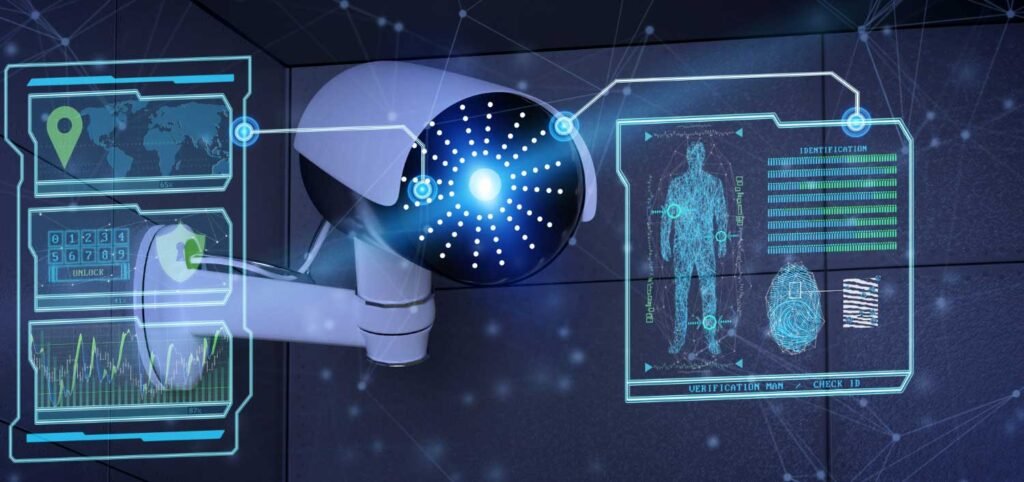
Security-Cameras-with-Facial-Recognition

Instantly identifies:

  • Known threats

  • Repeat offenders

  • Unauthorized visitors

  • Vehicles of interest

Useful for:

  • Access control

  • Law enforcement support

  • Automated gate entry

📊 Verified Alerts = Better Police Response

Traditional alarms = 95% false alerts
(Average police response time: ❌ Over 45 minutes)

AI-verified events include:

  • Short video clips

  • Object classification (human/vehicle)

  • Geolocation mapping

Police treat these as real crimes in progress, not false alarms — improving response times dramatically.

⚠ Understanding Limitations

AI is powerful — but not magic.

Challenges include:

  • Very small or distant objects may not be detected

  • Low-resolution / wide-angle cameras reduce accuracy

  • Complex environments require camera-specific tuning

  • Privacy laws require responsible usage

Good system design with proper camera placement solves most issues.

🏢 Business Benefits Go Beyond Security

How Artificial Intelligence Is Transforming Video Surveillance because Organizations are now using AI analytics to improve:
Benefit TypeExamples
🛡 SecurityIntrusion detection, theft prevention
👷‍♂ SafetyFall detection, restricted zone alerts
📈 OperationsHeat-mapping customer flow, queue management
💰 Cost SavingsStaffing efficiency, reduced incident claims

🤝 AI + Humans = The Perfect Surveillance Team

AI doesn’t replace security staff — it amplifies them.

_AI + Humans = The Perfect Surveillance Team

AI does:
24/7 monitoring
✔ Fast detection
✔ Data processing

Humans do:
✔ Judgment
✔ Decision-making
✔ Response and intervention

Together, they create the world’s most effective security model.

🔐 Ready to Upgrade to AI-Powered Surveillance?

Secure It Global specializes in advanced video analytics systems from world-leading brands:

  • Uniview AIoT

  • Hanwha Vision Wisenet AI

  • Dahua AI-Series

  • Montavue Smart Systems

We provide:

✔ System design & consultation
✔ Professional installation
✔ Remote monitoring & support
✔ Analytics setup tailored to your environment

📞 Contact to unlock smarter security with real-time AI protection.

Secure IT Global LLC
167 Madison Ave
New York, NY 10016 

(888) 902 2303

customerservice@secureitglobal.com

Remote IT Setup & Troubleshooting

Many small businesses, Remote IT Setup & Troubleshooting has become an important part of daily operations. Whether employees work from the office, home, or multiple locations, businesses need reliable systems that can be supported quickly and securely.

Secure IT Global provides IT support, computer repair, CCTV solutions, website support and business technology services for customers in Brooklyn, NY. Located at 3603 Avenue S, Brooklyn, NY 11234, Secure IT Global helps local small businesses set up, troubleshoot and manage technology more effectively.

Remote IT Setup & Troubleshooting

What Is Remote IT Setup & Troubleshooting?

Remote IT support means a technician diagnoses and fixes computer, network, or software issues from a different location — connecting to your device securely over the internet instead of visiting in person.

This covers a wide range of services, including:

  • Device and software setup — new computers, printers, email accounts, and business applications
  • Network configuration — Wi-Fi, routers, VPNs, and secure business connections
  • Troubleshooting errors — slow performance, crashes, connectivity issues, software conflicts
  • Security fixes — malware removal, firewall setup, and patching vulnerabilities
  • Cloud and software support — Microsoft 365, Google Workspace, POS systems, and more

How Remote IT Support Works: Step by Step?

  1. You submit a support request— by phone, email, or a support ticket describing the issue.

  2. A technician connects securely — using encrypted remote-access software, with your permission required before any connection is made.
  3. Diagnosis and troubleshooting — the technician identifies the root cause, not just the symptom.
  4. The fix is applied remotely — most issues (software errors, settings, network configuration, security patches) can be resolved without anyone stepping into your office.
  5. Follow-up and documentation — you receive a summary of what was fixed and recommendations to prevent it from happening again.

Benefits of Remote IT Setup & Troubleshooting

1. Faster Response Times

No waiting for a technician to drive to your location. Many issues can be resolved the same hour they're reported.

2. Lower Cost

Remote support eliminates travel time and on-site labor costs, which typically means lower rates passed on to you.

3. Minimal Business Disruption

Your team can often keep working while smaller issues are resolved in the background.

4. Support From Anywhere

Whether you have one office or multiple locations — even remote or hybrid employees — remote IT support can help everyone, regardless of where they're working from.

5. Faster Access to Specialists

Instead of being limited to whoever is available locally, remote support can connect you with the right specialist for your specific issue.

When Remote Support Isn't Enough?

Remote IT Setup & Troubleshooting services solve the vast majority of small business tech issues, but a few situations still require someone on-site, such as:

  • Physical hardware failures (replacing parts, cabling, hardware installs)
  • Complete network outages where there's no internet connection to remote into
  • New office builds requiring physical wiring or equipment setup

Is Remote IT Support Secure?

This is one of the most common concerns small business owners have, and it's a fair one. Reputable Remote IT Setup & Troubleshooting providers use:

  • Encrypted connections so data can't be intercepted during a session
  • Permission-based access — nothing happens without you approving the connection
  • Session logging so there's a clear record of what was done
  • Strict data handling policies to protect sensitive business and customer information

How Secure IT Global Delivers Remote IT Setup & Troubleshooting?

Secure IT Global combines the responsiveness small businesses need with the trust and accountability of working with a local company.

✅ Fast, Reliable Remote Support

Our team resolves most software, network, and setup issues remotely — often the same day you reach out — so your business gets back to normal fast.

✅ Affordable Pricing Through Our Hybrid Model

By combining local project management with a skilled hybrid team, we keep remote support pricing accessible for small businesses without cutting corners on quality.

✅ Secure by Design

Every remote session is encrypted, permission-based, and documented, so you always know what was done and why.

✅ More Than Just Troubleshooting

Remote support is just one part of what we offer. Secure IT Global also provides:

  • E-Commerce Solutions — custom, secure online stores
  • Website Development — professional, mobile-friendly websites
  • Local Business Search Optimization — helping local customers find you online
  • Ongoing IT Support — remote and on-site help when you need it


Contact Secure IT Global today to get your IT issues resolved quickly, without the wait or the high cost of traditional on-site service.

We help small businesses with IT support, computer repair, website support, CCTV systems, surveillance products, and business technology needs.

Our local business is located at:

Secure IT Global
3603 Avenue S
Brooklyn, NY 11234
Website: secureitglobal.com

Secure IT Global Can Help

We can help with:


What is remote IT setup?

Remote IT setup means configuring business technology so users can work, access files, use email, connect to systems, and receive support without always needing an in-person technician.

Yes. Small businesses can use remote IT support for email issues, software troubleshooting, cloud access, remote desktop setup, password help, device configuration, and many common computer problems.

Many issues can be reviewed remotely, including software errors, email problems, cloud access, remote login problems, security settings, slow computer checks, printer settings, and user account issues.

Remote IT support can be safe when handled by a trusted provider using secure tools and proper permission. Businesses should never allow unknown callers or unverified people to access their computers.

Yes. Secure IT Global provides IT support, computer repair, troubleshooting, and business technology help for customers in Brooklyn, NY.

Secure IT Global is located at 3603 Avenue S, Brooklyn, NY 11234 and serves Brooklyn customers. Some technology issues may be handled remotely, while others may require local hands-on support.

Shopping cart
WhatsApp WhatsApp
Start typing to see posts you are looking for.
0 items Cart
My account