
3603 Avenue S, Brooklyn, NY 11234Sat–Thu 11AM–8PM · Fri 4PM–8PM
Thousands of customers served globally | 100% positive feedbackread our reviews | ★★★★★ 5 stars on Google & Yelp

Facial Recognition: Reliable or Wasteful Spending?

Facebook
Twitter
LinkedIn

Table of Contents

Facial recognition technology is becoming increasingly common for access control. It is fast becoming a normalized option for commercial businesses worldwide. Despite being less known and somewhat controversial among the general public, the technology is experiencing a constant upswing in the market, partly due to the efforts of popular brands that are actively developing the technology.

It’s important to note that recognition of face is not without misconceptions, particularly when used in conjunction with IP cameras and other security methods. As with any technology, there are potential risks and concerns that must be carefully considered and addressed to ensure that the benefits of the technology are not outweighed by the potential drawbacks.

Assessing the value of this technology for customers can be challenging, given that the technology is becoming more cost-effective while also being deployed in a wider range of environments. However, the following information about facial recognition – including its various types, top options, and potential user groups in 2023 – can help you determine whether it’s worth investing in this technology.

Facial recognition vs face detection

First, it’s important to distinguish between facial recognition and face detection. Although the difference may seem small, it’s significant if you’re looking to include either feature. While face detection can identify a face, it typically cannot recognize it. On the other hand, recognition of face is a more sophisticated technology that compares each face with a database. Both features require video analytics software, but recognition of face demands more hardware support to operate effectively, while face detection can be integrated into modern IP cameras. To provide examples, here are two instances that utilize each technology.

Among several options, this turret camera offers face capture. Face capture is another name for face detection and allows the camera to recognize people by faces alone without too much additional hardware. However, it is also capable of using facial recognition, but only in a system that most might consider impractical

Typically coming as wall-mounted devices or , door station facial recognition hardware offers many built-in features but is meant for specific placement by entrances and lobbies. Whereas some security cameras are capable of the feature, they are not at the same level as products like this.

Note that certain brands, such as Nest, offer face detection but do not currently provide facial recognition. The latter technology would be impractical at the current level and price point, which is typical for security cameras.

Expect CCTV to include facial recognition

Currently, standard security cameras cannot perform facial recognition due to the limited technology available, although this is changing rapidly. As previously mentioned, IP cameras can identify human faces in images . It also can incorporate recognition of face when connected to a comprehensive system, but this technology can only be effective in controlled environments. In such environments, recognition of a face has been known to have a recognition success rate of well over 90% for specific individuals. However, the most advanced video analytics software still requires further refinement before it can be deemed practical.

When should you get facial recognition?

Currently, facial recognition technology is a relatively costly option for individuals or businesses seeking to enhance their security measures. Typically, those who choose to implement it already have an extensive security system in place. They require the most efficient options to prevent unauthorized access. In high-security environments, access is often granted through a multi-level authorization process, and every interaction with the system is meticulously recorded. Several research or technology facilities with stringent security measures even use facial recognition technology in conjunction with other credentials to grant entry. FAQ

What is facial recognition used for?

Recognition of face technology is primarily utilized for access control and security purposes. This technology enables employers or institutions to more effectively monitor. It also regulates access to specific areas or buildings by verifying the identities of individuals entering and exiting.

Why is facial recognition being banned

Although this may not apply to all regions of the world. In the United States, several cities consider the use of facial recognition technology as a violation. Five significant cities have already prohibited law enforcement from utilizing this technology. Nevertheless, the popularity of thi technology continues to increase steadily among businesses and other government institutions.

How safe is recognition of a face?

This technology is not substantially different from other forms of identification, except that it is automated. However, concerns have been raised about the potential for errors in the technology. It could result in innocent individuals being incorrectly identified as criminals. In the past, such errors have occurred in the United States, leading to regrettable outcomes.

Where is facial recognition mostly used?

This technology is mainly used on personal computers and mobile devices, not for security or surveillance purposes as commonly believed. Although the use of this technology is on the rise in private security systems. But the percentage of individuals who use it on their touch screen phones is much greater than the percentage of businesses using access control systems with this technology.
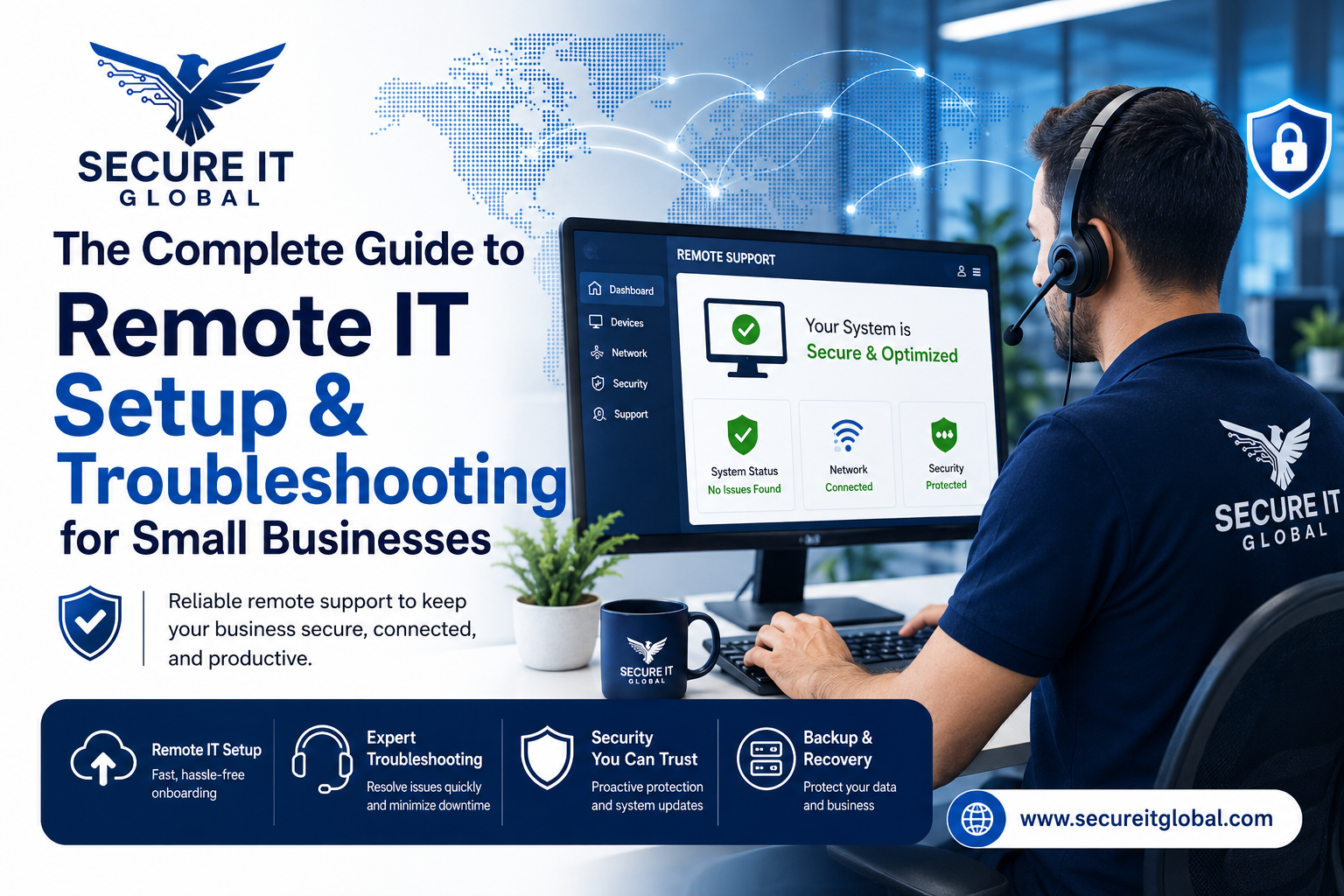
Remote IT Setup & Troubleshooting

Many small businesses, Remote IT Setup & Troubleshooting has become an important part of daily operations. Whether employees work from the office, home, or multiple locations, businesses need reliable systems that can be supported quickly and securely.

Secure IT Global provides IT support, computer repair, CCTV solutions, website support and business technology services for customers in Brooklyn, NY. Located at 3603 Avenue S, Brooklyn, NY 11234, Secure IT Global helps local small businesses set up, troubleshoot and manage technology more effectively.

Remote IT Setup & Troubleshooting

What Is Remote IT Setup & Troubleshooting?

Remote IT support means a technician diagnoses and fixes computer, network, or software issues from a different location — connecting to your device securely over the internet instead of visiting in person.

This covers a wide range of services, including:

  • Device and software setup — new computers, printers, email accounts, and business applications
  • Network configuration — Wi-Fi, routers, VPNs, and secure business connections
  • Troubleshooting errors — slow performance, crashes, connectivity issues, software conflicts
  • Security fixes — malware removal, firewall setup, and patching vulnerabilities
  • Cloud and software support — Microsoft 365, Google Workspace, POS systems, and more

How Remote IT Support Works: Step by Step?

  1. You submit a support request— by phone, email, or a support ticket describing the issue.

  2. A technician connects securely — using encrypted remote-access software, with your permission required before any connection is made.
  3. Diagnosis and troubleshooting — the technician identifies the root cause, not just the symptom.
  4. The fix is applied remotely — most issues (software errors, settings, network configuration, security patches) can be resolved without anyone stepping into your office.
  5. Follow-up and documentation — you receive a summary of what was fixed and recommendations to prevent it from happening again.

Benefits of Remote IT Setup & Troubleshooting

1. Faster Response Times

No waiting for a technician to drive to your location. Many issues can be resolved the same hour they're reported.

2. Lower Cost

Remote support eliminates travel time and on-site labor costs, which typically means lower rates passed on to you.

3. Minimal Business Disruption

Your team can often keep working while smaller issues are resolved in the background.

4. Support From Anywhere

Whether you have one office or multiple locations — even remote or hybrid employees — remote IT support can help everyone, regardless of where they're working from.

5. Faster Access to Specialists

Instead of being limited to whoever is available locally, remote support can connect you with the right specialist for your specific issue.

When Remote Support Isn't Enough?

Remote IT Setup & Troubleshooting services solve the vast majority of small business tech issues, but a few situations still require someone on-site, such as:

  • Physical hardware failures (replacing parts, cabling, hardware installs)
  • Complete network outages where there's no internet connection to remote into
  • New office builds requiring physical wiring or equipment setup

Is Remote IT Support Secure?

This is one of the most common concerns small business owners have, and it's a fair one. Reputable Remote IT Setup & Troubleshooting providers use:

  • Encrypted connections so data can't be intercepted during a session
  • Permission-based access — nothing happens without you approving the connection
  • Session logging so there's a clear record of what was done
  • Strict data handling policies to protect sensitive business and customer information

How Secure IT Global Delivers Remote IT Setup & Troubleshooting?

Secure IT Global combines the responsiveness small businesses need with the trust and accountability of working with a local company.

✅ Fast, Reliable Remote Support

Our team resolves most software, network, and setup issues remotely — often the same day you reach out — so your business gets back to normal fast.

✅ Affordable Pricing Through Our Hybrid Model

By combining local project management with a skilled hybrid team, we keep remote support pricing accessible for small businesses without cutting corners on quality.

✅ Secure by Design

Every remote session is encrypted, permission-based, and documented, so you always know what was done and why.

✅ More Than Just Troubleshooting

Remote support is just one part of what we offer. Secure IT Global also provides:

  • E-Commerce Solutions — custom, secure online stores
  • Website Development — professional, mobile-friendly websites
  • Local Business Search Optimization — helping local customers find you online
  • Ongoing IT Support — remote and on-site help when you need it


Contact Secure IT Global today to get your IT issues resolved quickly, without the wait or the high cost of traditional on-site service.

We help small businesses with IT support, computer repair, website support, CCTV systems, surveillance products, and business technology needs.

Our local business is located at:

Secure IT Global
3603 Avenue S
Brooklyn, NY 11234
Website: secureitglobal.com

Secure IT Global Can Help

We can help with:


What is remote IT setup?

Remote IT setup means configuring business technology so users can work, access files, use email, connect to systems, and receive support without always needing an in-person technician.

Yes. Small businesses can use remote IT support for email issues, software troubleshooting, cloud access, remote desktop setup, password help, device configuration, and many common computer problems.

Many issues can be reviewed remotely, including software errors, email problems, cloud access, remote login problems, security settings, slow computer checks, printer settings, and user account issues.

Remote IT support can be safe when handled by a trusted provider using secure tools and proper permission. Businesses should never allow unknown callers or unverified people to access their computers.

Yes. Secure IT Global provides IT support, computer repair, troubleshooting, and business technology help for customers in Brooklyn, NY.

Secure IT Global is located at 3603 Avenue S, Brooklyn, NY 11234 and serves Brooklyn customers. Some technology issues may be handled remotely, while others may require local hands-on support.

Shopping cart
WhatsApp WhatsApp
Start typing to see posts you are looking for.
0 items Cart
My account