
Why Wi-Fi Is Unreliable in Brooklyn Apartments
Why Wi-Fi Is Unreliable in Brooklyn Apartments? This is very question for Brooklyn people, This is the blog you can find your answer. Reliable Wi-Fi is no longer a luxury—it’s essential. From working remotely and streaming entertainment to powering smart security cameras and connected home devices, modern Brooklyn residents rely heavily on stable internet connectivity. Yet, many apartment dwellers across Brooklyn face the same frustrating issues: dead zones, slow speeds, dropped connections, and unreliable performance.
In this guide, we’ll break down why Wi-Fi is so unreliable in Brooklyn apartments, explain the technical and structural factors behind the problem, and show how mesh Wi-Fi systems provide a proven, long-term solution—especially for homes using security cameras, smart devices, and remote work setups.
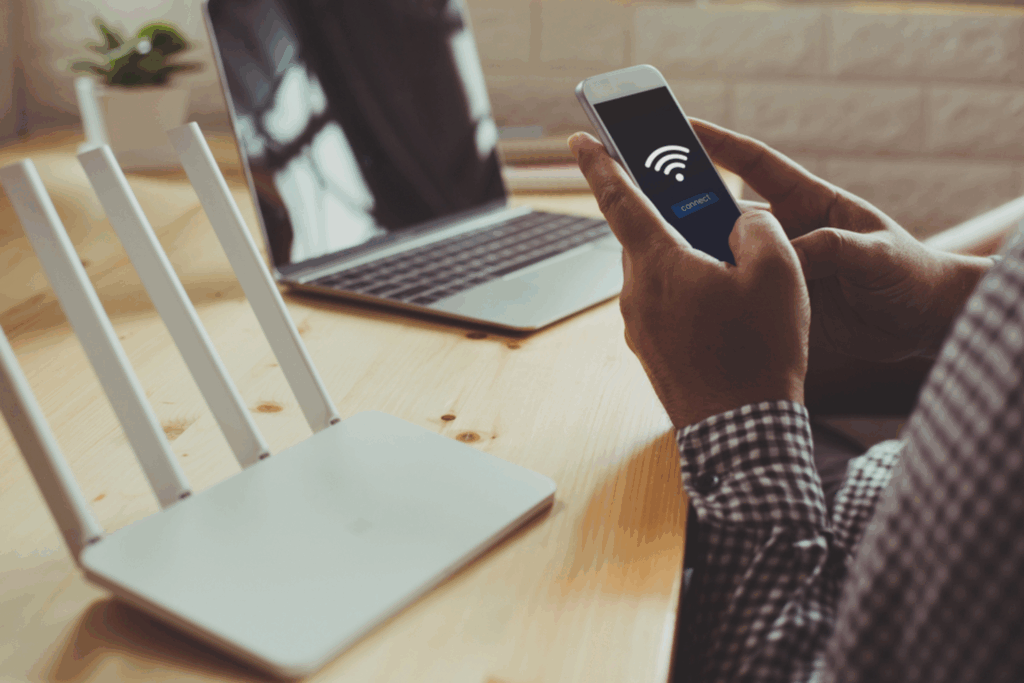
The Brooklyn Apartment Wi-Fi Problem: Why It’s So Common
Many buildings were constructed decades ago—long before wireless networking was ever imagined.
why Wi-Fi struggles so much in Brooklyn apartments:
1. Thick Brick and Concrete Walls Block Wi-Fi Signals
One of the biggest culprits is construction material.
Many Brooklyn apartments are built with:
Solid brick walls
Concrete slabs
Steel reinforcements
Plaster over metal lath
These materials absorb and block Wi-Fi signals, especially higher-frequency bands like 5 GHz. While newer routers advertise faster speeds using 5 GHz, that signal often struggles to travel through even a single brick wall—let alone multiple rooms.
2. Older Building Layouts Were Never Designed for Wireless Networks
Unlike modern open-concept homes, Brooklyn apartments often feature:
Narrow hallways
Closed-off rooms
Multiple load-bearing walls
Long, rectangular layouts
Traditional routers are designed to broadcast outward in a circular pattern. When placed in one corner of an apartment, much of that signal is wasted—spilling outside the unit instead of reaching bedrooms, kitchens, or offices.
3. Extreme Wireless Interference in Dense Neighborhoods
Brooklyn is one of the most densely populated urban areas in the country. In many apartment buildings, dozens—sometimes hundreds—of Wi-Fi networks are competing for the same wireless channels.
This leads to:
Signal congestion
Channel overlap
Reduced speeds
Frequent disconnections
Even the most powerful router can struggle when surrounded by neighboring networks broadcasting on the same frequencies.
4. One Router Isn’t Enough for Modern Internet Use
Traditional Wi-Fi setups rely on a single router to cover an entire living space. That approach might work in a small studio, but it quickly fails when:
Multiple people work from home
Security cameras stream video continuously
Smart TVs, speakers, locks, and lighting are connected
Mobile devices roam from room to room
The more devices you add, the more strain you place on a single access point.
5. Wi-Fi Extenders Often Make Things Worse
Many Brooklyn residents try to fix Wi-Fi issues with range extenders or signal boosters. Unfortunately, these devices often:
Cut bandwidth in half
Create separate networks
Introduce latency
Drop connections as devices roam
Instead of solving the problem, extenders often add complexity without real improvement.
What Is a Mesh Wi-Fi System?
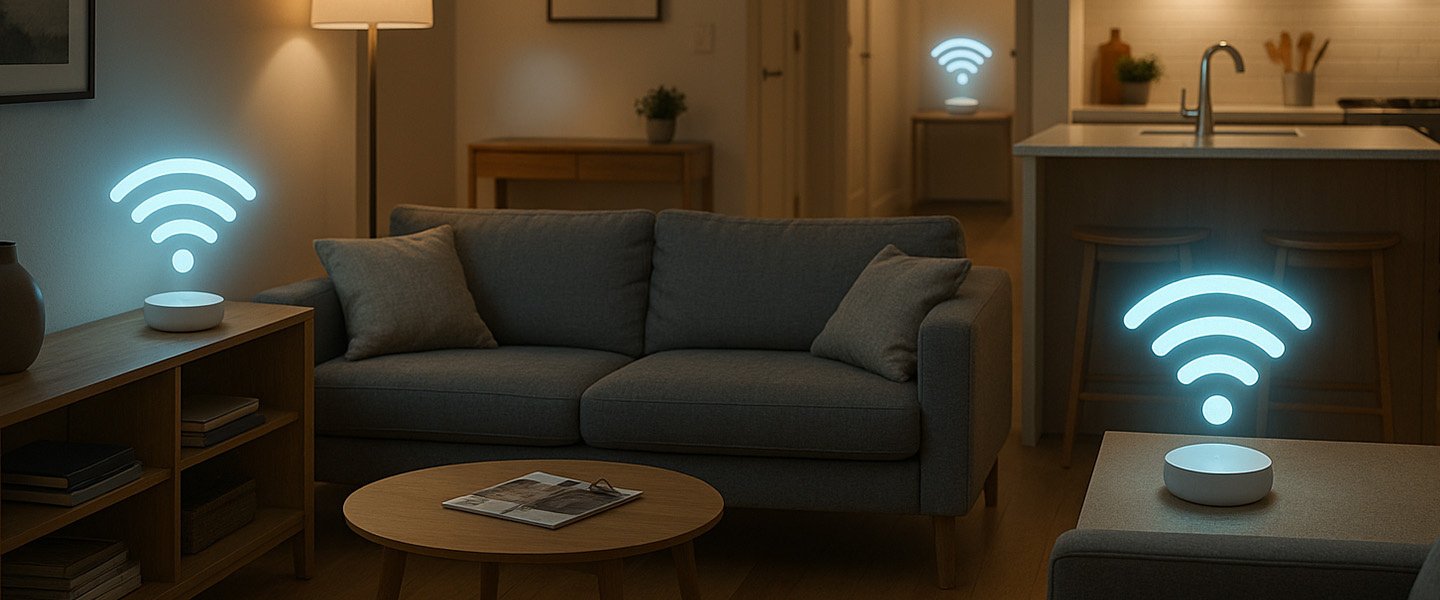
A mesh Wi-Fi system replaces the single-router model with multiple access points called nodes that work together as one unified network.
How Mesh Wi-Fi Solves Brooklyn Apartment Problems
Mesh Wi-Fi systems are uniquely suited for Brooklyn’s architectural and environmental challenges.
1. Multiple Access Points Defeat Thick Walls
By placing nodes in strategic locations—such as hallways, bedrooms, or offices—mesh systems reduce the distance Wi-Fi signals need to travel.
Instead of trying to penetrate multiple brick walls, each node covers a smaller area more effectively.
2. Seamless Coverage in Long or Closed Layouts
Mesh nodes can be placed along the length of narrow apartments, ensuring even coverage from front to back.
This works especially well in:
Railroad-style apartments
Multi-room floor plans
Duplex or split-level units
3. Better Performance in High-Interference Environments
Most mesh systems intelligently manage:
Channel selection
Band steering (2.4 GHz vs 5 GHz)
Load balancing between nodes
This helps reduce interference from neighboring networks and ensures devices always connect using the best available path.
4. Ideal for Security Cameras and Smart Devices
For apartments using:
IP security cameras
Video doorbells
Smart locks
Motion sensors
Remote monitoring systems
Mesh Wi-Fi provides the stable, always-on connectivity these devices require.
5. Smooth Roaming for Mobile Devices
Unlike extenders, mesh systems allow phones, laptops, and tablets to move freely throughout the apartment without disconnecting or buffering.
This is especially important for:
Video calls
VoIP
Cloud applications
Streaming services
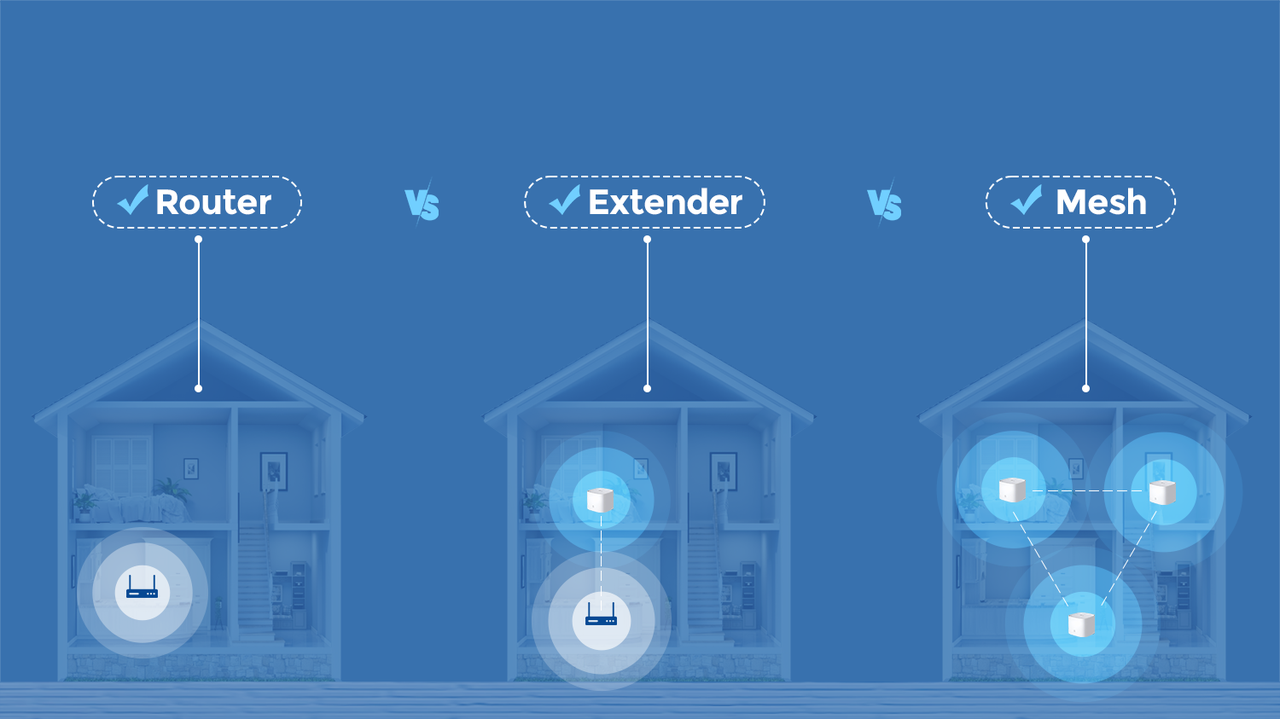
Mesh Wi-Fi vs Traditional Router vs Extender
| Feature | Traditional Router | Wi-Fi Extender | Mesh Wi-Fi |
|---|---|---|---|
| Coverage | Limited | Moderate | Excellent |
| Roaming | Poor | Poor | Seamless |
| Speed Consistency | Uneven | Reduced | Consistent |
| Scalability | Low | Low | High |
| Security Camera Support | Weak | Unstable | Strong |
When Should Brooklyn Residents Upgrade to Mesh Wi-Fi?
Mesh Wi-Fi is especially recommend if:
Your apartment has dead zones
Wi-Fi drops in certain rooms
You use security cameras or smart home devices
Multiple people work from home
Streaming or gaming performance is inconsistent
Extenders didn’t solve the problem
Wi-Fi problems in Brooklyn apartments aren’t cause by bad internet plans or outdated devices—they’re the result of dense construction, interference, and outdated networking models.
Traditional routers simply aren’t built for Brooklyn’s unique challenges.
Mesh Wi-Fi systems offer a proven solution by delivering:
Whole-apartment coverage
Stable performance
Seamless roaming
Reliable support for security and smart devices
👉 Contact with us to design a mesh Wi-Fi solution to your apartment and security needs.
Secure IT Global LLC
Brooklyn, NY
(888) 902 2303