Why Commercial Security Cameras Are Important for Brooklyn Businesses
Secure IT Global provides commercial CCTV and surveillance solutions for many types of Brooklyn properties
Security camera installation in Brooklyn, NY. Located at 3603 Avenue S, Brooklyn, NY 11234, we help local businesses choose, install, and support CCTV and surveillance camera systems designed for their space, budget, and security needs.
If you are searching for commercial security camera installation in Brooklyn, CCTV installation near me, or business security cameras in Brooklyn, Secure IT Global is a local company ready to help.
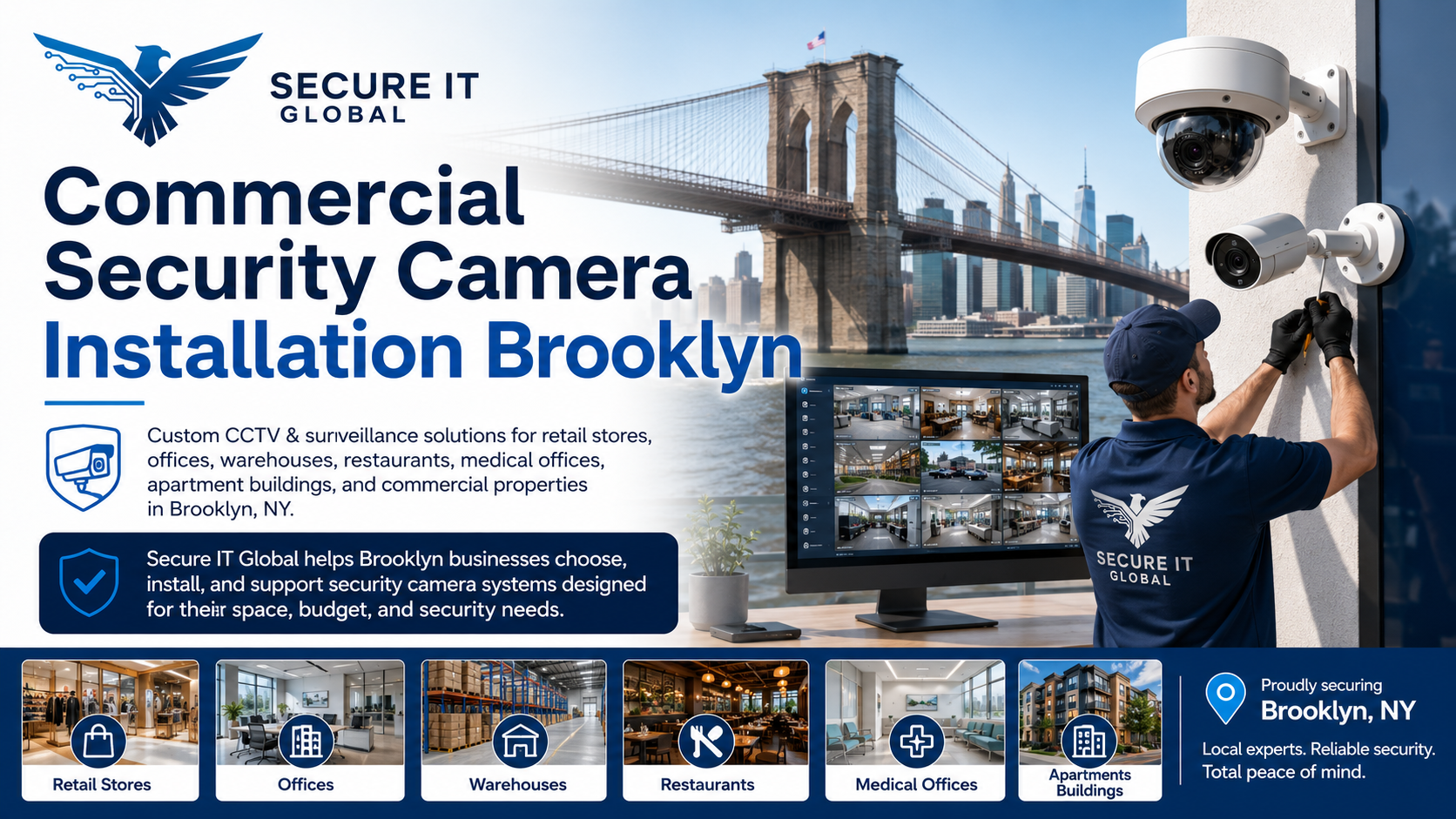
Brooklyn businesses operate in busy environments where visibility and security awareness matter. From customer traffic and employee activity to deliveries, entrances, inventory, and shared spaces, business owners often need a better way to monitor what is happening on their property.
A commercial security camera system may help businesses:
- Monitor entrances and exits
- Keep visibility over customer areas
- Review activity near checkout counters
- Watch storage rooms and inventory areas
- Monitor parking lots and loading zones
- Improve visibility in hallways and shared areas
- Support property management operations
- Provide useful recorded footage when needed
- Help business owners check activity remotely
Commercial CCTV Installation for Different Business Types
Every business has different surveillance needs. A small store may need cameras at the entrance, checkout counter, and aisles.
Secure IT Global provides commercial CCTV and surveillance solutions for many types of Brooklyn properties, including:
- Retail stores
- Offices
- Restaurants
- Warehouses
- Medical offices
- Commercial buildings
- Apartment buildings
- Multi-family properties
- Property management locations
- Houses of worship
- Schools and learning centers
- Service businesses
- Small businesses
- Parking areas
- Storage facilities
What Is Included in Commercial Security Camera Installation?
A commercial security camera installation usually includes more than the cameras themselves. The system must be selected, positioned, connected, configured, and tested properly.
Depending on your project, installation may include:
- Site review and camera placement planning
- Indoor and outdoor camera installation
- CCTV or IP camera setup
- DVR or NVR recorder setup
- Network camera configuration
- Camera wiring and cable management
- Remote viewing setup
- Mobile app viewing configuration
- Video storage setup
- Motion detection configuration
- System testing
- Basic user guidance
IP Security Cameras VS CCTV Cameras for Commercial Properties
CCTV Camera Systems
CCTV systems are commonly used for business surveillance and may connect to a DVR recorder. These systems can be a practical choice for many commercial properties, especially when replacing or upgrading an existing camera setup.
IP Security Camera Systems
IP camera systems are network-based and usually connect to an NVR recorder. They are often used for businesses that want higher-resolution video, flexible installation options, remote viewing, and scalable multi-camera systems.
Best Camera Locations for Commercial Security Systems
Camera placement is one of the most important parts of commercial security camera installation. Even high-quality cameras may not provide useful coverage if they are installed in the wrong locations.
Common camera locations include:
- Front entrance
- Back entrance
- Reception area
- Checkout counter
- Cash register area
- Product aisles
- Storage rooms
- Hallways
- Stairways
- Loading docks
- Parking lots
- Outdoor perimeter
- Office entry points
- Building lobby
- Shared areas in multi-tenant buildings
Indoor and Outdoor Commercial Security Cameras
Most commercial properties need a mix of indoor and outdoor cameras. Indoor cameras are often used to monitor customer areas, hallways, offices, and storage spaces. Outdoor cameras are commonly used for entrances, parking areas, sidewalks, loading zones, and building perimeters.
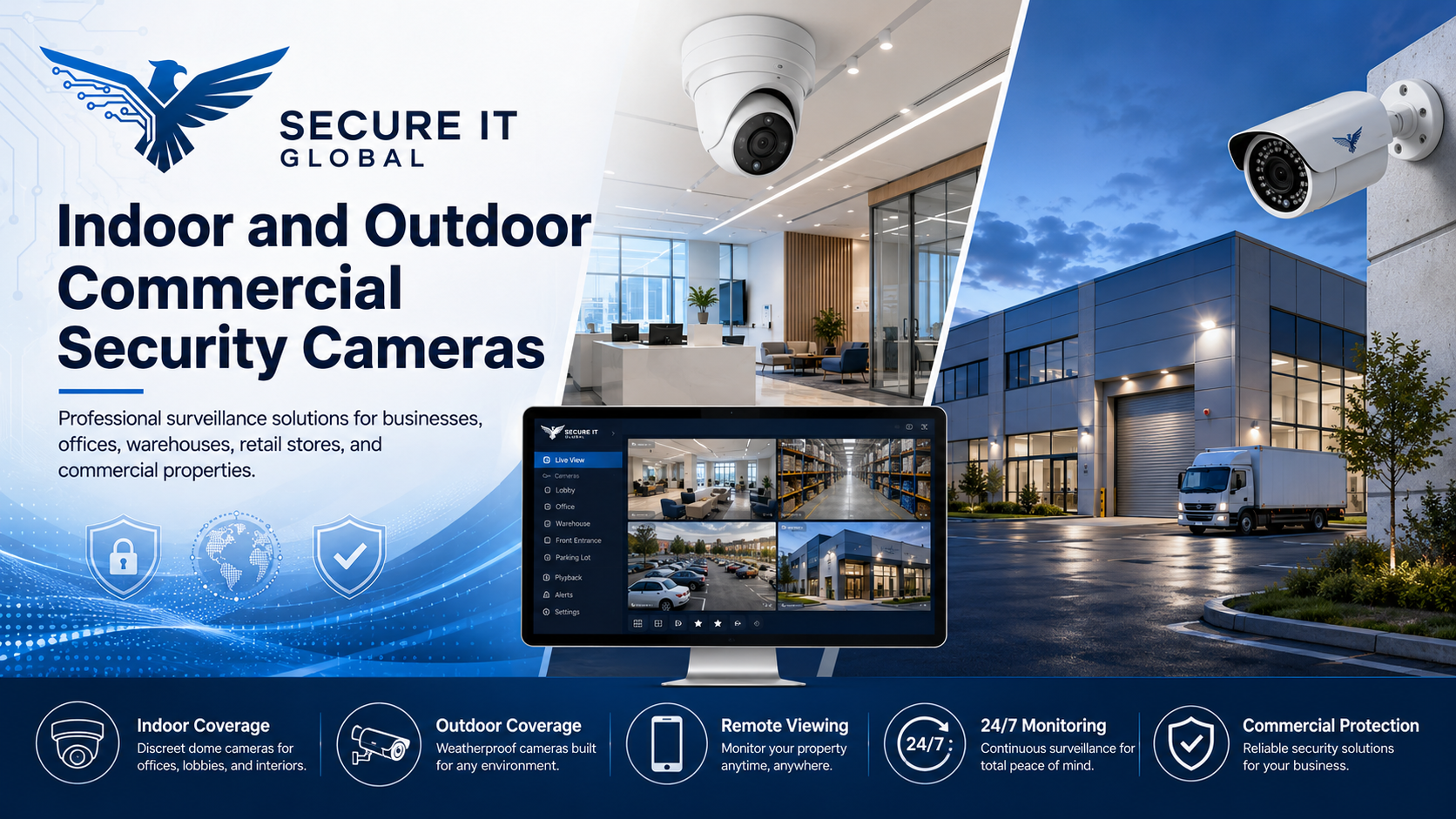
When choosing outdoor security cameras, important features may include:
- Weather-resistant design
- Night vision
- Wide viewing angle
- Proper mounting position
- Durable housing
- Clear image quality
- Suitable coverage distance
For indoor cameras, business owners may consider:
- Discreet design
- Wide room coverage
- Audio support, where appropriate and legally allowed
- High-resolution video
- Compatibility with the recorder
- Clean installation appearance
Remote Viewing for Business Security Cameras
Many Brooklyn business owners want the ability to view their security cameras from a phone, tablet, or computer. Remote viewing can be helpful for checking your business when you are away, reviewing activity, or monitoring multiple locations.
Remote viewing setup may depend on:
- Camera system type
- DVR or NVR model
- Internet connection
- Network configuration
- Mobile app compatibility
- User access settings
- Security settings
Why Choose Secure IT Global for Commercial Security Camera Installation in Brooklyn?
Secure IT Global is a local Brooklyn technology and surveillance provider. We understand that businesses need practical security camera solutions that are reliable, easy to use, and appropriate for their property.
Customers choose Secure IT Global because we offer:
- Local Brooklyn service
- Commercial CCTV installation
- Security camera product guidance
- Surveillance system setup
- NVR and DVR support
- Indoor and outdoor camera options
- Remote viewing assistance
- Support for small businesses and commercial properties
- Convenient location at 3603 Avenue S, Brooklyn, NY 11234
Whether you need a new system, an upgrade, or help choosing the right surveillance products, Secure IT Global can help.
How to Choose the Right Commercial Security Camera System
Before installing a commercial security camera system, business owners should consider several important factors.
1. Property Size
A small office may only need a few cameras, while a warehouse or commercial building may require a larger multi-camera system.
2. Indoor and Outdoor Coverage
Outdoor areas often need weather-resistant cameras, while indoor spaces may need dome, turret, or discreet camera options.
3. Recording Needs
Businesses should consider how long they need to store footage and whether an NVR or DVR system is the best fit.
4. Remote Viewing
Many business owners want access to live or recorded footage from a phone or computer.
5. Image Quality
Higher-resolution cameras can provide clearer footage, but storage and network requirements should also be considered.
6. Lighting Conditions
Low-light areas, dark hallways, outdoor spaces, and parking lots may need cameras with strong night vision or low-light performance.
7. Future Expansion
If your business may grow, choose a system that can support additional cameras later.
Frequently Asked Questions
Do you install commercial security cameras in Brooklyn?
Yes. Secure IT Global provides commercial security camera installation for businesses and properties in Brooklyn, NY.
What types of businesses need security cameras?
Security cameras are useful for retail stores, offices, warehouses, restaurants, apartment buildings, medical offices, commercial properties, and small businesses.
Can I view my business security cameras from my phone?
Many modern camera systems support remote viewing from a phone, tablet, or computer. Secure IT Global can help set up compatible systems for remote access.
Do you install indoor and outdoor cameras?
Yes. Secure IT Global can help with indoor and outdoor commercial camera installation based on your property’s needs.
Do you provide CCTV products and equipment?
Yes. Secure IT Global offers CCTV and surveillance products, including cameras, recorders, and related system components.
Where is Secure IT Global located?
Secure IT Global is located at 3603 Avenue S, Brooklyn, NY 11234.
What areas do you serve?
Secure IT Global serves Brooklyn, including Marine Park, Mill Basin, Bergen Beach, Flatlands, Flatbush, Sheepshead Bay, and nearby areas.
Get Commercial Security Camera Installation in Brooklyn
If you need commercial security camera installation in Brooklyn, Secure IT Global can help you choose and install a camera system for your business, office, retail store, warehouse, apartment building, or commercial property.
Visit or contact Secure IT Global today: