
Your WordPress Website Has Been Hacked?
If your WordPress website has been hacked, the most important thing is to act quickly and carefully. Do not ignore warning signs, and do not randomly delete files unless you understand what they do.
Secure IT Global helps businesses and local customers with IT support, computer repair, cybersecurity basics, website troubleshooting, and technology services. Located at 3603 Avenue S, Brooklyn, NY 11234, Secure IT Global can help business owners understand what to do when a WordPress website is hacked and how to improve website
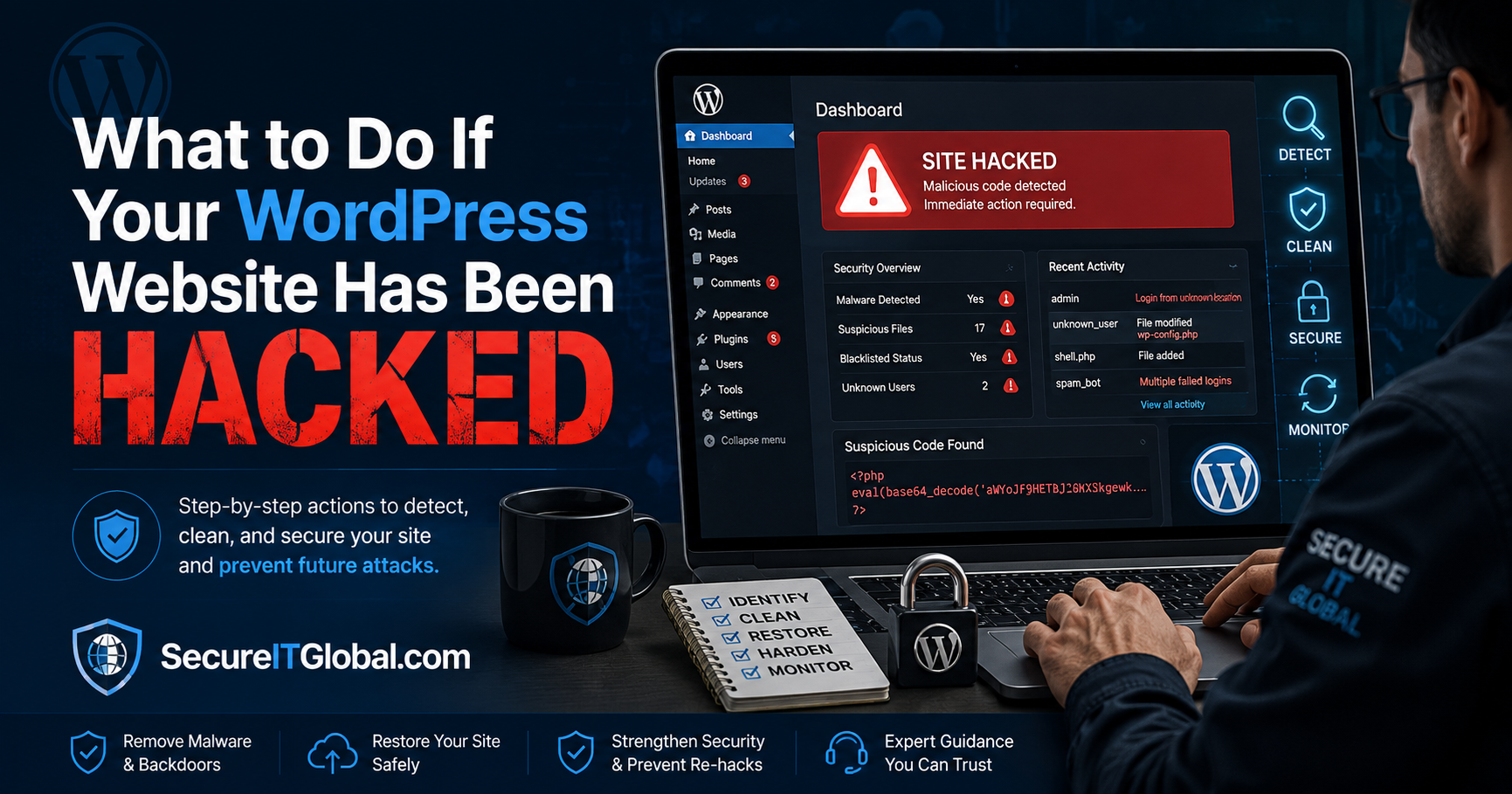
Signs Your WordPress Website Has Been Hacked
Before jumping into recovery, it helps to confirm the compromise. Common warning signs include:
- Your site redirects visitors to unknown or spammy websites
- Google Search Console shows a “Security Issues” warning
- Your browser displays a “This site may be hacked” or “Deceptive site ahead” message
- Unfamiliar admin users appear in your WordPress dashboard
- Unexpected spikes in outbound traffic or server resource usage
- New files or plugins you didn’t install
- Your hosting provider suspends your account for malicious activity
- Slow site performance or frequent crashes
- Pop-ups, ads, or pharmaceutical spam appearing on your pages
Step-by-Step: How to Fix a Hacked WordPress Website
1. Take Your Site Offline (Enable Maintenance Mode)
Immediately put your site into maintenance mode or take it offline temporarily. This prevents the malware from spreading further, protects your visitors from being redirected to malicious sites, and stops search engines from indexing infected pages.
2. Contact Your Hosting Provider
Many hosts, especially managed WordPress hosts, have security teams that can confirm whether your account has been compromised and may offer to restore a clean backup.
3. Back Up the Current (Infected) State
Even though it’s compromised, take a full backup of your current site files and database before making changes.
4. Change All Passwords Immediately
Reset passwords for:
- WordPress admin accounts
- Hosting account (cPanel, SFTP/FTP)
- Database
- Any connected email accounts
Use strong, unique passwords and enable two-factor authentication (2FA) wherever possible.
5. Scan for Malware
Use a reputable WordPress security plugin (such as Wordfence, Sucuri, or MalCare) to run a full malware scan. This will help identify infected files, malicious code injections, and backdoors hackers may have installed for future access.
6. Restore From a Clean Backup (If Available)
If you have a backup from before the compromise, restoring it is often the fastest and safest way to recover — as long as you also patch the vulnerability that allowed the hack in the first place.
7. Update Everything
Outdated WordPress core files, themes, and plugins are the number one entry point for hackers. Update:
- WordPress core to the latest version
- All themes
- All plugins
- Remove any unused or abandoned plugins/themes entirely
8. Request a Malware Review
If Google has flagged your site, submit a review request through Google Search Console once you’ve confirmed the site is clean. This helps restore your search visibility and removes the “hacked site” warning for visitors.
9. Monitor Your Site Going Forward
Set up continuous monitoring so you’re alerted immediately if suspicious activity resumes. Recovery isn’t complete once the malware is removed — ongoing vigilance is what prevents reinfection.
How to Prevent Your WordPress Site From Being Hacked Again
- Keep WordPress core, themes, and plugins updated at all times
- Use strong, unique passwords and enable 2FA for all admin accounts
- Limit login attempts and rename your login URL from the default
/wp-admin - Install a Web Application Firewall (WAF)
- Remove unused plugins, themes, and user accounts
- Schedule automated, offsite backups
- Restrict file permissions and disable file editing from the WordPress dashboard
- Use a reputable security plugin for real-time malware scanning
- Choose a hosting provider with strong server-level security
How Secure IT Global Can Help Stop WordPress Hacking
Recovering from a hack — and making sure it doesn’t happen again — is difficult to do alone, especially if you’re not familiar with server-level security or malicious code patterns. This is where Secure IT Global can help.
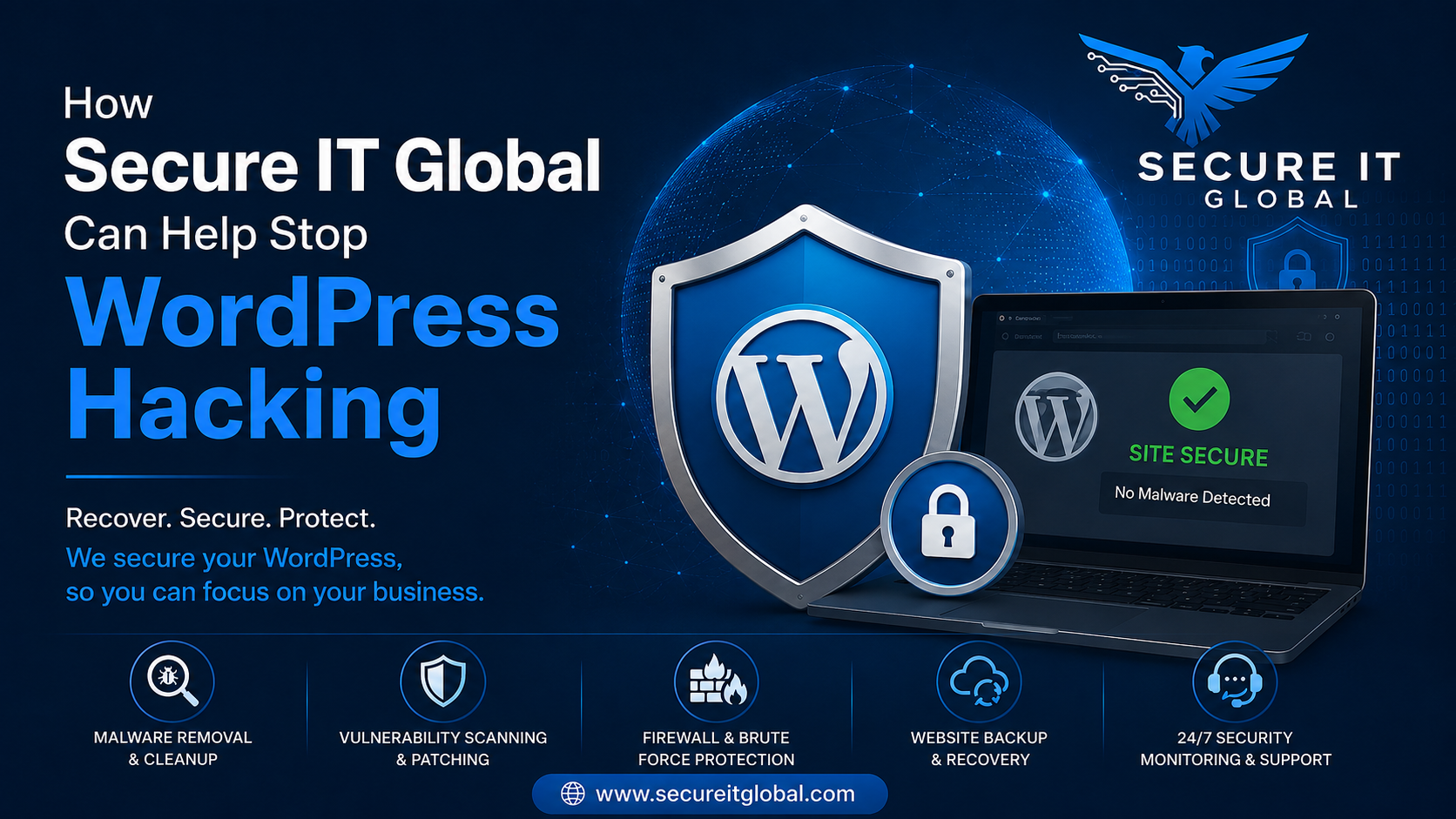
Our team supports WordPress site owners with:
- Emergency Malware Removal: Fast, thorough cleanup of infected files, malicious scripts and hidden backdoors so your site is fully restore — not just temporarily patched.
- Vulnerability Assessment: We identify exactly how the attacker gained access, whether through an outdated plugin, weak credentials, or a server misconfiguration, and close that gap.
- Website Hardening: Implementation of firewalls, secure login policies, file permission audits, and security headers to reduce your attack surface.
- Ongoing Monitoring & Maintenance: Continuous scanning and alerting so threats are caught and neutralize before they cause damage.
- Backup & Disaster Recovery Solutions: Automated, secure backups so you always have a clean restore point if something goes wrong.
If you need emergency response for an active hack or want to proactively secure your WordPress site before an attack happens, Secure IT Global’s cybersecurity specialists are equipped to protect your website, your data and your visitors.
Frequently Asked Questions
1. How do I know if my WordPress site has been hacked?
Common signs include unexpected redirects, a “hacked site” warning in Google Search Console or your browser, unfamiliar admin users, spam content, slow performance, or unusual outbound traffic from your server.
2. Can I fix a hacked WordPress site myself?
Yes, for smaller or less complex hacks, you can follow manual steps like scanning for malware, updating software, and restoring backups. However, sophisticate attacks involving hidden backdoors often require professional cleanup to ensure the site doesn’t get reinfect.
3. How long does it take to fix a hacked WordPress website?
This depends on the severity of the hack. Simple malware infections can often be resolve within a few hours, while deeply embed attacks with multiple backdoors may take a few days to fully remediate.
4. Do I need to change all my passwords after a hack?
Yes. Change your WordPress admin, hosting, database, and connected email passwords immediately, and enable two-factor authentication to prevent the attacker from regaining access.
5. How can I prevent my WordPress site from being hack again?
Keep WordPress core, themes, and plugins updated, use strong unique passwords with 2FA, install a firewall, limit login attempts, and schedule regular offsite backups.
6. Can Secure IT Global help if my site is already hack right now?
Yes. Secure IT Global offers emergency malware removal and recovery services to clean your site quickly, close the security gap that caused the breach, and put safeguards in place to prevent future attacks.