A practical guide for stores, offices, restaurants, medical offices, and local service businesses
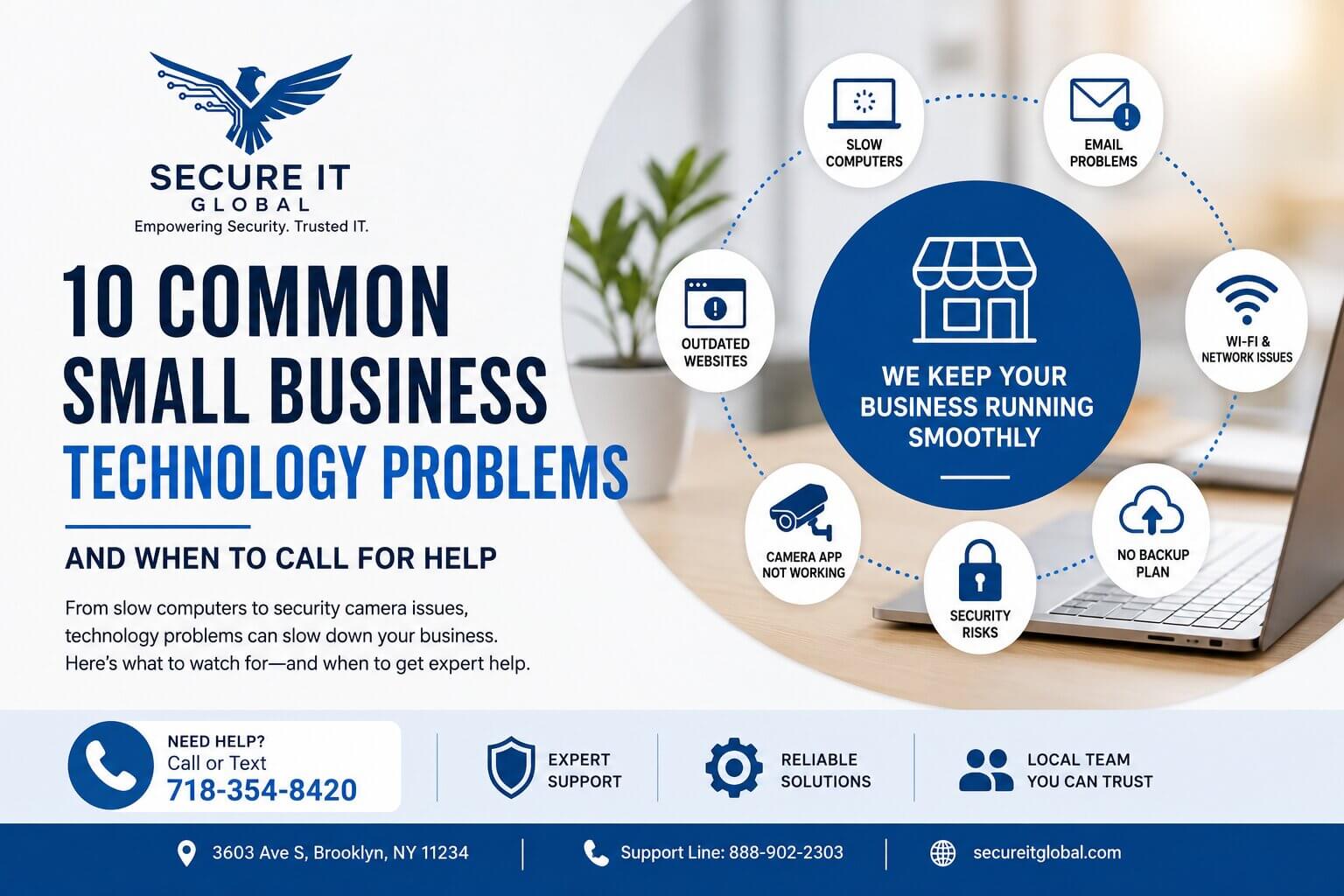
Small businesses depend on technology more than ever. Computers, email, WiFi, printers, websites, Google listings, security cameras, payment systems, and cloud accounts all need to work properly for the business to run smoothly.
When one system stops working, it can slow down everything. A computer problem can delay customer service. A WiFi issue can affect payment terminals and office work. A security camera problem can leave the business without proper visibility. An email issue can interrupt communication with customers and vendors. A slow or outdated website can cost new leads.
Many Brooklyn small businesses do not have a full-time IT person, so the owner or manager ends up trying to fix everything.
This guide explains the most common technology problems small businesses face, why they matter, and when it may be time to call a professional for help.
1. Slow Computers That Waste Time Every Day
A slow computer may seem like a small issue, but it can cost a business a lot of time.
Employees may spend extra minutes waiting for programs to open, web pages to load, files to save, or printers to respond. Over time, this creates frustration and lost productivity.
Common causes of slow business computers include:
- Too many startup programs or browser tabs and background apps
- Low storage space or not enough memory
- Old hard drives or failing hardware
- Malware or unwanted software
- Outdated or failing Windows updates
- Old computers that are no longer suitable for business use
A slow computer does not always need to be replaced. Sometimes a tune-up, malware check, SSD upgrade, memory upgrade, software cleanup, or Windows repair can make a big difference. However, if the computer is very old, unreliable, or running unsupported software, replacement may be the better long-term decision.
For a deeper breakdown of each cause and how to tell repair from replacement, see our full guide on why business computers become slow.
2. Email Problems That Interrupt Customer Communication
Email is one of the most important tools for a small business. When email stops working, messages may be missed, orders may be delayed, and customers may lose confidence.
Common business email problems include:
- Outlook not sending or receiving
- Password issues or a full email account
- Missing emails
- Spam or phishing messages
- Wrong email settings, or problems after changing phones or computers
- Old ISP email accounts causing limitations
- No professional business email domain
- Confusion between Gmail, Outlook, Microsoft 365, and hosting email
Many small businesses start with personal email or ISP-provided email, but as the business grows, professional email becomes more important. A business email address using your domain name looks more professional and gives you better control over accounts, users, security, and future migrations.
3. WiFi and Network Problems That Affect the Whole Business
A weak or unreliable network can affect almost every part of a business. WiFi problems may impact computers, phones, printers, cameras, payment systems, smart devices, and customer guest WiFi.
Common business network problems include:
- Slow internet, WiFi dead zones, or weak signal in certain areas
- Devices disconnecting
- Printer not found on the network
- Security cameras going offline
- Payment terminal connection issues
- Too many devices on one router
- An old consumer-grade router being used for business
- Poor cable management
- No separation between guest WiFi and business devices
Many businesses grow their network piece by piece. They may start with one router and later add cameras, phones, printers, laptops, employees, guest WiFi, and cloud systems. Eventually, the network becomes unreliable because it was never planned for business use. A professional business network and WiFi setup can fix these problems at the source instead of patching them one device at a time.
4. Printer and Scanner Problems That Slow Down Daily Work
Even with more cloud tools, many businesses still depend on printers and scanners. Printer problems can become very frustrating because they usually happen when something urgent needs to be printed.
Common issues include:
- Printer offline errors, or the computer cannot find the printer
- Scanner not connecting
- Paper jams and poor print quality
- Driver problems
- WiFi printer connection problems
- Shared printer not working for all users
- Printer works from one computer but not another
Sometimes the issue is the printer itself. Other times it is a driver, WiFi, IP address, computer, or network problem.
5. Security Camera Apps Not Working Properly
Many Brooklyn businesses depend on security cameras for theft prevention, employee safety, after-hours visibility, and general peace of mind. But camera systems are only useful if you can actually view and manage them.
Common security camera problems include:
- Camera app not connecting, or remote viewing stopped working
- Cameras showing offline
- Forgotten DVR/NVR password
- Playback not working or recordings not saving
- Motion alerts not working properly
- Mobile app not set up on a new phone
- Owner cannot add or remove users
- NVR or DVR network settings changed
- System works in the store but not remotely
These issues often happen after an internet provider change, router replacement, phone upgrade, password change, app update, power outage, or network change. If the system is aging or was never set up properly, professional security camera installation or a remote viewing setup service can resolve recurring problems for good.
6. Websites That Are Outdated or Not Helping the Business
A website should help customers understand what you offer and how to contact you. Unfortunately, many small business websites become outdated over time.
Common website problems include:
- Old business hours, missing services, or outdated photos
- Poor mobile layout and slow loading pages
- Weak service descriptions and no clear call-to-action
- No local service pages
- Contact information hard to find
- No recent blog or updates
- Broken links and poor search visibility
A website does not need to be complicated, but it should be accurate, fast, mobile-friendly, and clear.
For local businesses, service pages are especially important. If you want customers to find you for a specific service, that service usually needs a clear page with helpful information. Professional small business website development can bring an outdated site up to that standard.
7. Google Business Profile Not Being Updated
For local businesses, Google Business Profile is one of the most important online assets. Customers often find your business on Google Search or Google Maps before they visit your website.
Common Google Business Profile problems include:
- Old photos, incorrect hours, or missing services
- No recent posts
- Few reviews and no review request process
- Wrong business category
- Incomplete business description
- Inconsistent phone or address information
- No link to the correct service page
If your Google profile looks inactive while competitors have recent posts, photos, and reviews, customers may choose the competitor.
8. No Backup Plan for Important Business Files
Many small businesses do not think about backup until something goes wrong. Important files may be stored on one computer, one external hard drive, one email account, or one device with no proper backup.
Common backup risks include:
- Files stored only on one computer
- No cloud or external backup
- Old external drives
- No backup for important emails or customer files
- NAS or server not being checked
- Backup exists but nobody has tested restore
- Employees saving files in different places
A backup is only useful if it works when you need it. A proper data backup and recovery plan protects your files before something fails, not after.
9. Weak Passwords and Basic Security Risks
Small businesses are common targets for scams, phishing emails, and account compromise.
Many security problems start with simple mistakes:
- Weak or reused passwords
- No multi-factor authentication
- Shared accounts, or old employee accounts still active
- Suspicious email links
- Unsafe remote access
- No device lock policy
- No backup plan
- No basic security training
Small businesses do not always need complicated enterprise security, but they do need basic protection. That starts with prompt virus and malware removal when infections happen and reliable internet security and antivirus software on every business computer.
10. Technology Problems With No One Responsible
One of the biggest issues in small businesses is that nobody is clearly responsible for technology.
The website person may not handle email. The camera installer may not handle the network. The internet provider may blame the router. The software company may blame the computer. The owner is left in the middle.
This creates delays and confusion. A small business benefits from having one technology support partner who can look at the bigger picture and help coordinate solutions.
Why These Problems Matter
Technology problems are not just technical problems. They affect real business results.
They can cause:
- Lost time, missed calls, and delayed orders
- Poor customer experience and lower trust from customers
- Employee frustration
- Security risks and lost data
- Reduced online visibility
- Higher emergency repair costs
Small businesses often wait too long because they are busy. But waiting can make problems more expensive.
One-Time Support vs. Monthly Business Technology Support
Not every business needs a full managed IT contract. Some businesses only need help when a specific problem happens. Others need ongoing support because technology is a regular part of daily operations.
One-time support may be enough if:
- You have one computer issue or need a quick repair
- You need help setting up one device
- Your business has very simple technology needs
Monthly support may be better if:
- You have multiple computers or users
- Your website and Google profile need regular updates
- You need help with reviews and online visibility
- Your camera system needs occasional support
- You have recurring email, WiFi, or computer issues
- You want predictable monthly support instead of managing multiple vendors
A monthly support plan helps keep small issues from piling up. Businesses with more computers and heavier technology needs may benefit from managed IT support.
How Secure IT Global Helps Brooklyn Small Businesses
Secure IT Global helps small businesses with practical technology support, online visibility, and security camera support.
Our services include:
- Computer repair, troubleshooting, and remote IT support
- Small business IT support and managed IT support
- Website updates and local SEO basics
- Google Business Profile support
- Facebook and Nextdoor content
- WiFi and network troubleshooting
- Email and Microsoft 365 support
- Security camera and NVR support, including remote camera viewing setup
- Live CCTV monitoring options
- Backup guidance
- Product and service listing support
Frequently Asked Questions
What is the most common technology problem for small businesses?
Slow computers and unreliable WiFi are the two problems small businesses report most often, because they affect every employee every day. Email issues, printer problems, and security camera apps that stop connecting are close behind. Most of these come from equipment that was never set up or maintained for business use.
Why do my security cameras work in the store but not remotely?
This usually happens after something changed on the network — a new internet provider, a replaced router, a password change, or updated NVR settings. The cameras and recorder still work locally, but the connection that allowed remote viewing was broken by the change. A technician can reconfigure remote access and confirm the system is still recording properly.
Does a small business really need managed IT support?
Not always. If you have one or two computers and simple needs, one-time support when something breaks may be enough. Monthly or managed support makes more sense when you have multiple computers or users, recurring problems, or business-critical systems like payment terminals, cameras, and email that need to stay working.
How often should a Google Business Profile be updated?
Check it at least monthly. Hours, services, and contact information should always be current, and adding fresh photos, posts, and new reviews regularly signals to Google and to customers that the business is active. A profile that has not changed in months can lose ground to competitors with active listings.
Get Help Before Small Problems Become Bigger Issues
If your business is dealing with slow computers, WiFi problems, email issues, outdated website information, inactive Google listings, or security camera problems, Secure IT Global can help. Our local Brooklyn team provides one-time support, monthly small business support plans, and managed IT services depending on your needs.
Dealing with recurring technology problems in your business?
Call or text us to discuss the best support option for your business.
Call 718-354-8420
Support: 888-902-2303
Secure IT Global · 3603 Ave S, Brooklyn, NY 11234 · secureitglobal.com