
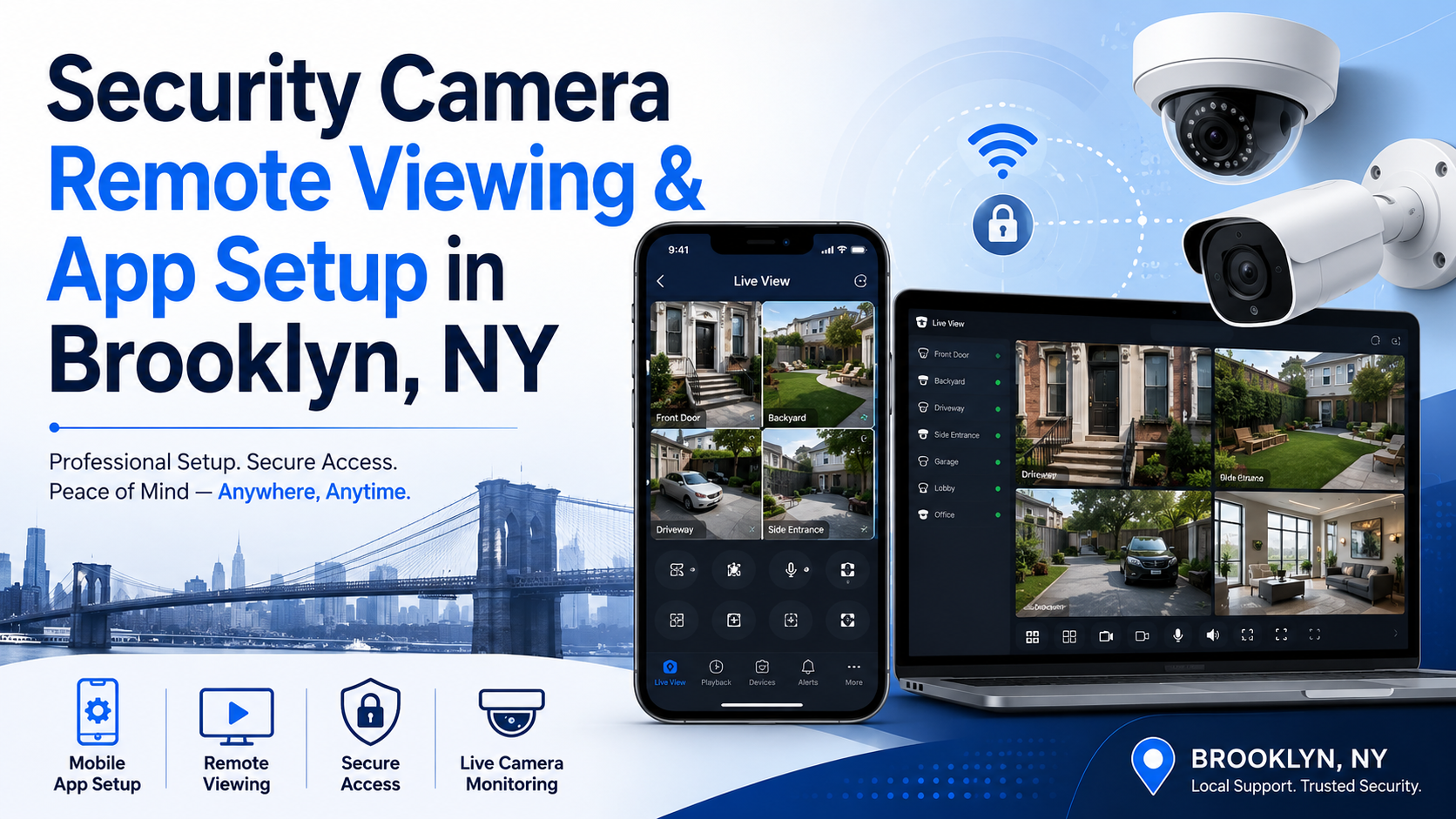
Security Camera Remote Viewing & App Setup
Just had cameras installed, or adding a new NVR/DVR to your system?
Secure IT Global sets up remote viewing for new and upgraded security camera systems across Brooklyn — homeowners, small businesses, retail stores, offices, and property owners. We connect your NVR, DVR, or IP cameras to the right mobile app, walk you through account setup, configure remote access and user permissions, and confirm everything works from your phone before we consider the job done. Homeowners and businesses across Marine Park, Mill Basin, and Flatbush choose us for camera remote-viewing setup as part of a new installation or system upgrade, thanks to clear, step-by-step onboarding and support that doesn’t disappear after the job is done.
We provide local CCTV support from our Brooklyn location and help with new-system app setup, NVR/DVR pairing, IP camera connection, and initial network configuration. If your remote viewing was already working and recently stopped, our remote viewing troubleshooting page covers fixing an existing setup instead.
Call Secure IT Global at 718-354-8420 for security camera remote viewing setup in Brooklyn, NY.
Security Camera Remote Viewing Setup in Brooklyn
Security camera remote viewing allows authorized users to view their cameras from a phone, tablet, or computer when they are away from the property. This is important for homeowners, business owners, managers, landlords, retail stores, offices, houses of worship, warehouses, and other locations that need remote visibility.
Secure IT Global can help set up and troubleshoot remote access for many CCTV, NVR, DVR, and IP camera systems. Whether you recently changed your internet provider, replaced your router, got a new phone, lost access to your camera app, or inherited an older camera system, we can review the setup and help determine the best solution.
Support depends on the brand, model, system condition, network access, password/access availability, internet connection, router settings, and app compatibility.
NVR, DVR & Camera App Setup Support
We help customers with remote viewing setup and troubleshooting for many types of security camera systems, including NVR systems, DVR systems, IP cameras, PoE camera systems, and camera mobile apps.
Our support may include:
- Security camera remote viewing setup
- NVR mobile app setup
- DVR mobile app setup
- IP camera app setup
- CCTV app setup
- Phone and tablet camera viewing setup
- QR code and P2P connection review
- Recorder online/offline troubleshooting
- Remote access setup
- Network and router review
- Camera system connection troubleshooting
- Existing system review
- Upgrade recommendations when needed
Common Remote Viewing Problems We Help With
Security camera remote viewing can stop working for many reasons. Sometimes the issue is simple, such as a changed password or disconnected internet cable.
Common issues include:
- Security camera app not working
- NVR or DVR showing offline
- Cameras offline on phone
- Remote viewing stopped after internet/router change
- New phone cannot connect to camera app
- QR code / P2P setup not connecting
- Camera system works locally but not remotely
- Business owner cannot view store cameras remotely
- DVR/NVR app login problems
- Recorder not connected to internet
- Network or Wi-Fi issue affecting the camera system
- Outdated recorder or app compatibility problem
- Need remote viewing for multiple authorized users
When a Camera System Upgrade May Be Needed
Sometimes remote viewing problems are a sign that the existing system is outdated, insecure, unsupported, or no longer compatible with current apps and phones.
A system upgrade may be recommended if:
- The old DVR/NVR app no longer works
- The recorder is no longer supported
- The system uses outdated remote access methods
- The cameras are low quality or unreliable
- The hard drive or recorder is failing
- The system has poor mobile viewing support
- The customer needs owner/manager access for a business
- The system is not suitable for live CCTV monitoring
- The existing setup has network or security limitations
If it’s time for new equipment, browse our on-site catalog of replacement security cameras, NVR/DVR recorders, and accessories at secureitglobal.com/product-category/security-cameras.
If your cameras were working before and recently stopped connecting after a router, internet, phone, or password change, see our security camera remote viewing troubleshooting guide instead.
Mobile App, QR Code, P2P & Network Troubleshooting
Many newer camera systems use QR code, P2P, or cloud-based connection methods to allow remote viewing. Older systems may rely on router settings, network configuration, or port forwarding.
Each system is different, and incorrect settings can create connection problems or security risks.
Secure IT Global can review your system and help with app connection troubleshooting, QR code setup, NVR/DVR online status, network connectivity, router-related issues, and remote viewing configuration.
Support for Existing Camera Systems
Secure IT Global can review many common CCTV, NVR, DVR, and IP camera systems. Support depends on the brand, model, system condition, password/access availability, app compatibility, and network access.
Customers may ask about systems such as Hikvision, Dahua, Uniview, Lorex, Swann, Night Owl, Reolink, Hanwha Vision, Montavue, and other IP camera systems.
We do not guarantee support for every model or every old system, but we can review the situation and recommend the best next step.
Can’t See Your Cameras on Your Phone?
One of the most common security camera problems is losing access to camera viewing on a mobile phone.
Customers often call for help because:
- The security camera app says offline
- The NVR or DVR is not connecting
- Cameras work on-site but not remotely
- The app stopped working after a router change
- A new phone will not connect to the camera system
- The QR code or P2P connection does not work
- The old installer is no longer answering
- The business owner needs camera access from another location
- The system is outdated and may need an upgrade
Remote Support and Local Brooklyn Service Options
Some remote viewing issues may be handled remotely, depending on the system, access, network setup, and customer authorization. Other issues may require local service or an in-person review.
Secure IT Global offers support options for customers in Brooklyn and nearby areas. We can help homeowners, small businesses, retail stores, offices, and property owners review their current camera system and decide the best solution.
From our Marine Park headquarters, our team regularly handles remote-viewing setups for customers in Midwood, Gravesend, and Borough Park, with flexible scheduling and no long-term service contract required. If you’re also considering 24/7 professional oversight, our live CCTV monitoring plans start at less than a dollar an hour.
For local Brooklyn support, call 718-354-8420.
Service Area
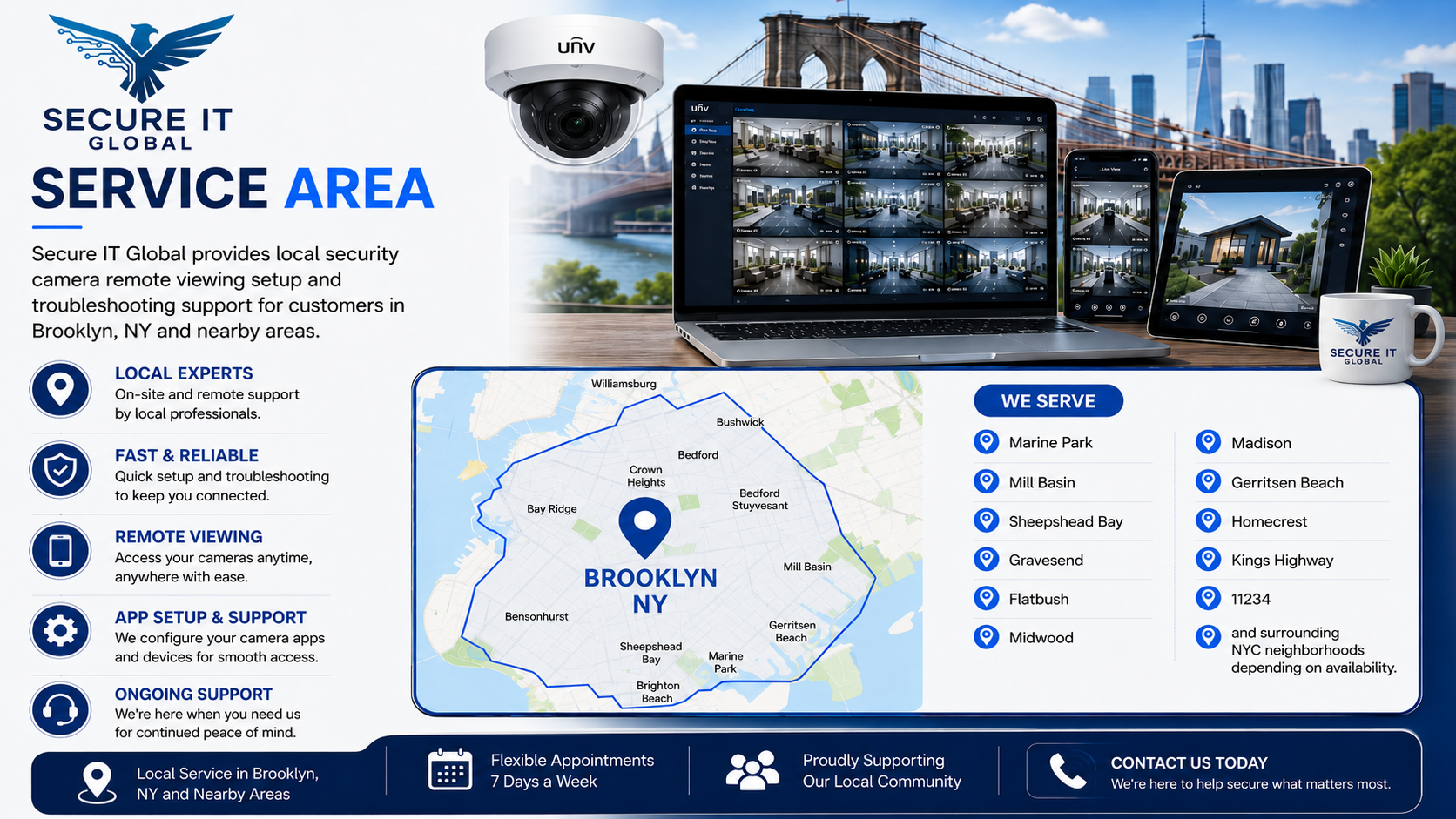
Secure IT Global provides local security camera remote viewing setup and troubleshooting support for customers in Brooklyn, NY and nearby areas, including Marine Park, Mill Basin, Sheepshead Bay, Gravesend, Flatbush, Midwood, Madison, Gerritsen Beach, Homecrest, Kings Highway, 11234, and surrounding NYC neighborhoods depending on availability.
For local service, call 718-354-8420.
Related CCTV Services
Recommended related services:
- Computer & Network Support
Call Secure IT Global at 718-354-8420 for security camera remote viewing setup in Brooklyn, NY.
Setting up a new camera system or adding a device to your network? Secure IT Global can configure remote viewing and get your app connected from day one.
Secure IT Global
3603 Ave S, Brooklyn, NY 11234
Local Service Phone: 718-354-8420
Customer Service / Product Support: 888-902-2303
Website: https://secureitglobal.com
3603 Ave S, Brooklyn, NY 11234
Local Service Phone: 718-354-8420
Customer Service / Product Support: 888-902-2303
Website: https://secureitglobal.com
Frequently Asked Questions
Q: Do you help set up security camera viewing on a phone?
Yes. Secure IT Global helps customers set up and troubleshoot mobile viewing for security camera systems, NVRs, DVRs, and IP cameras.
Q: Can you help if my security camera app says offline?
Yes. We can review app settings, recorder connection, network/router settings, internet connection, and remote access configuration.
Q: Can you help after I changed my internet provider or router?
Yes. Router or internet changes often affect camera remote viewing. We can review the network and help reconnect supported systems.
Q: Can you help with old DVR or NVR systems?
We can review many older DVR/NVR systems, but support depends on the model, app compatibility, password/access availability, and system condition. If the system is outdated, we can recommend upgrade options.
Q: Do you provide remote support?
Remote support may be available depending on the issue, system access, authorization, and network setup. Local service may also be available in Brooklyn and nearby areas.
Q: Can you set up remote viewing for a business?
Yes. We can help business owners, managers, and authorized users set up remote viewing when the system and network support it.
Q: Can you help with live CCTV monitoring?
Yes. If your camera system is compatible and properly connected, Secure IT Global can also discuss live CCTV monitoring options.
Q: What number should I call for local service?
For local Brooklyn service, call 718-354-8420.